

- Organize balances: Link multiple balances to a single identity for better tracking and reporting.
- Simplify management: Group related financial activities under one entity for easier oversight.
Create identities
To create a new identity:1
Open the create identity flow
Go to 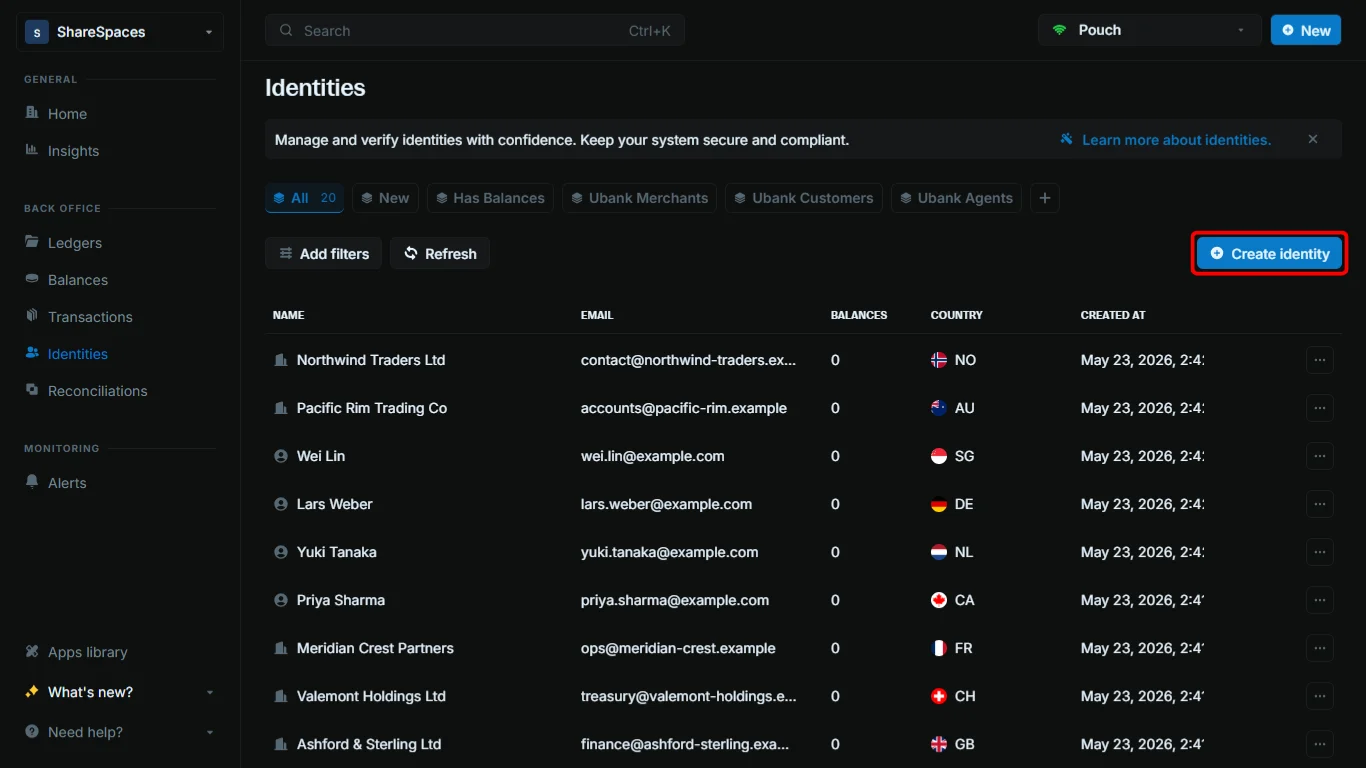
Identities. In the top-right corner of the table, click Create identity, or press ⌥ + I (Alt + I on Windows).2
Choose the identity type
Select 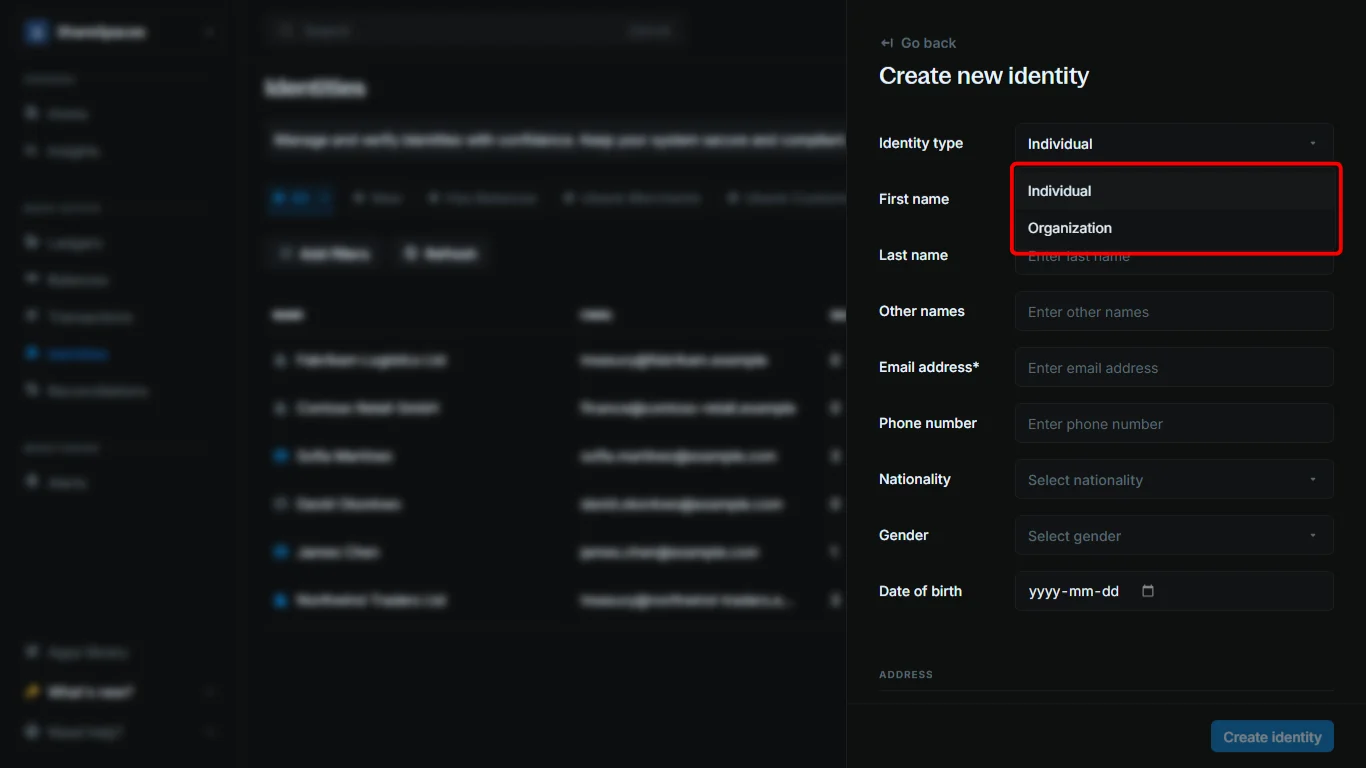
Individual for a person or Organization for a business or entity.3
Enter required details
Fill in the required fields: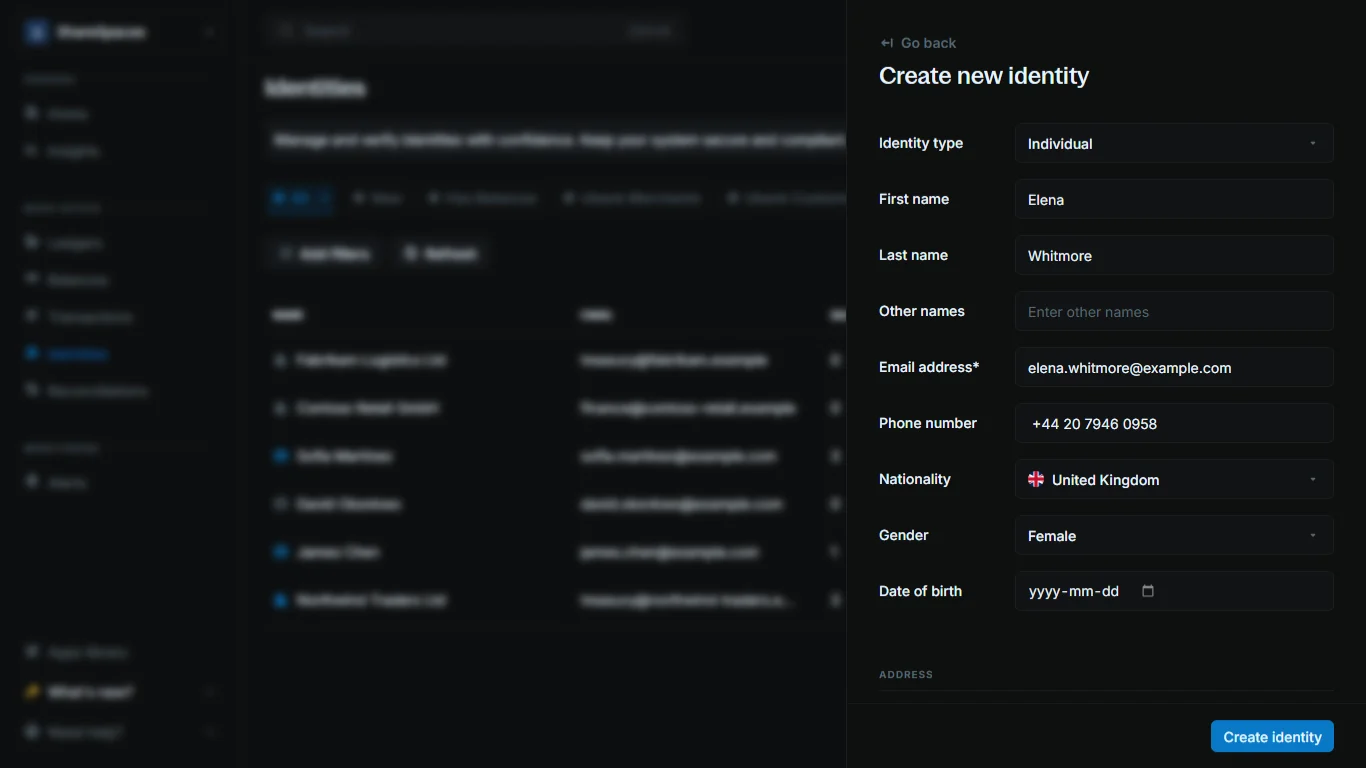
- Individual: first and last name, plus email address.
- Organization: organization name, plus email address.
4
Add metadata (optional)
Scroll to the Metadata section at the bottom of the form.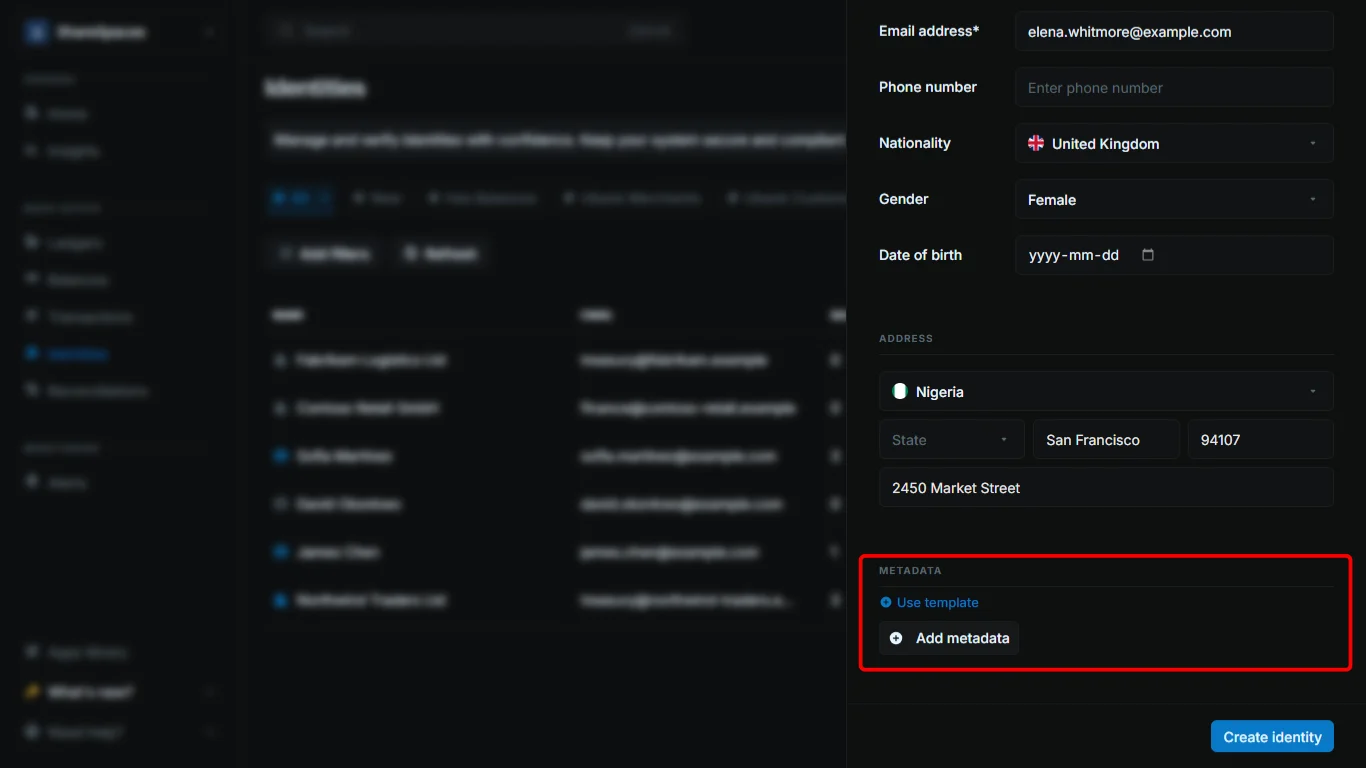
- Click
+ Add metadatato add a key and value for this identity only (for example,customer_segment=retail). - Click
Use templateto import keys from a metadata template and fill in values.
5
Create the identity
Click 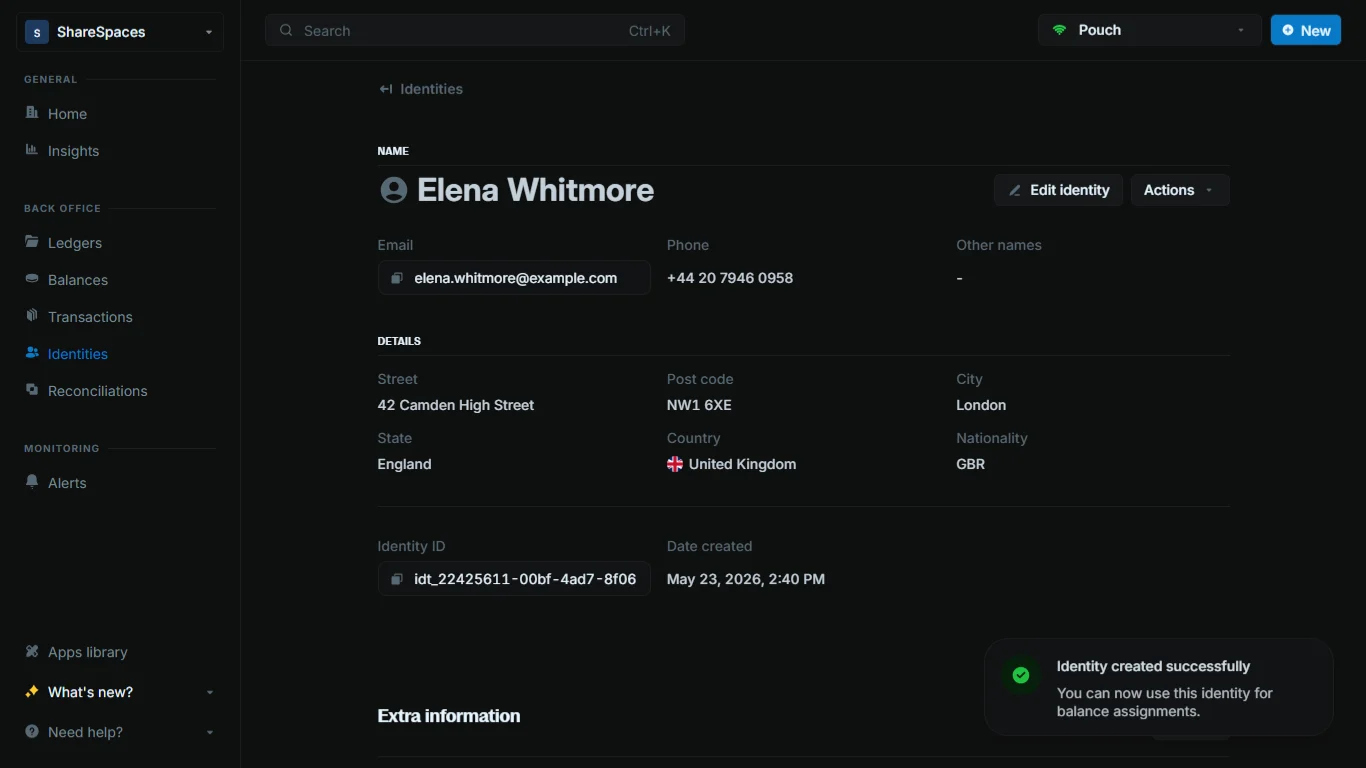
Create identity. The new record appears in the Identities table and you can open it for the full profile.Working with identities
All records in Blnk are immutable. This means that once an identity is created, it cannot be deleted.Identities table
The Identities table shows a list of all identities in your workspace. For each identity, you can see: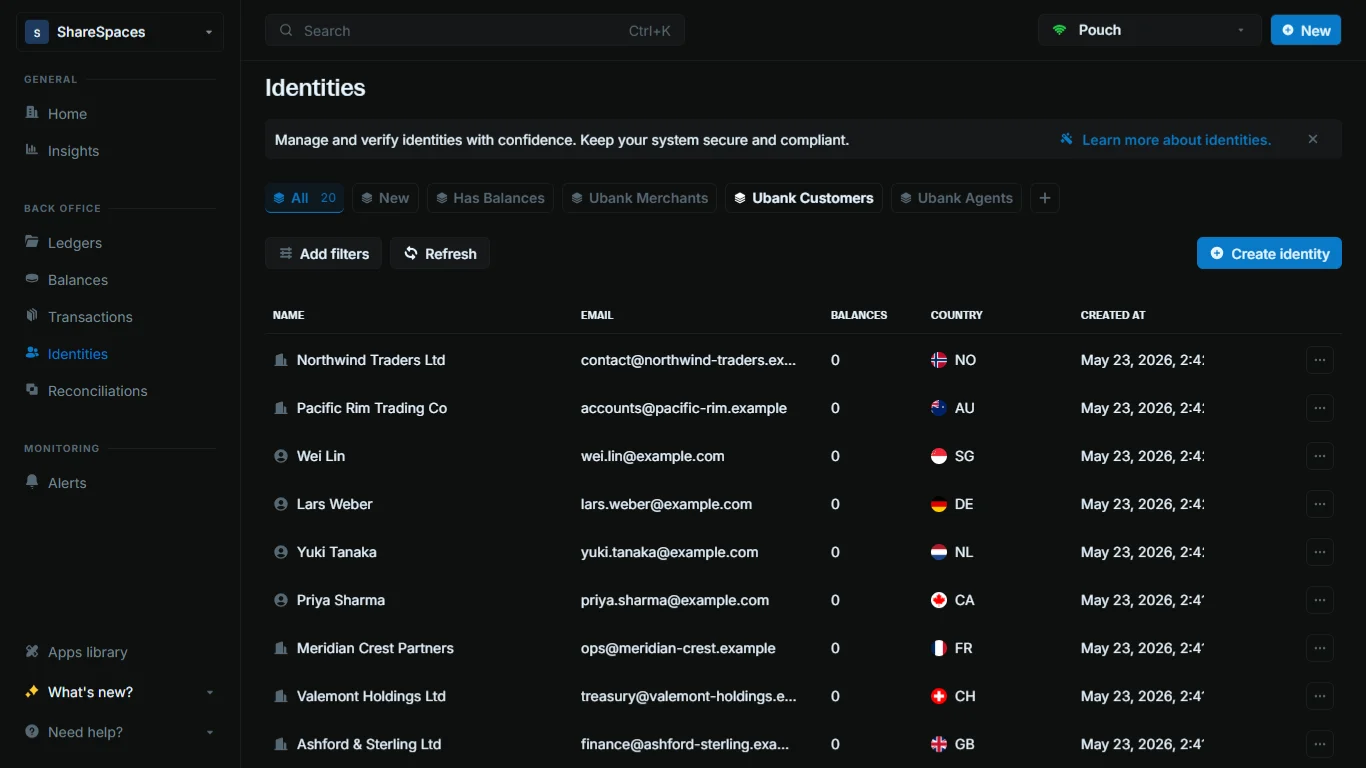
- Name: The individual’s full name or organization name.
- Email: The primary email address associated with the identity.
- Balances: The number of balances linked to this identity.
- Country: The country associated with the identity’s address.
Created at:The date and time the identity was created.
View identity details
Click an identity to see its complete profile, including: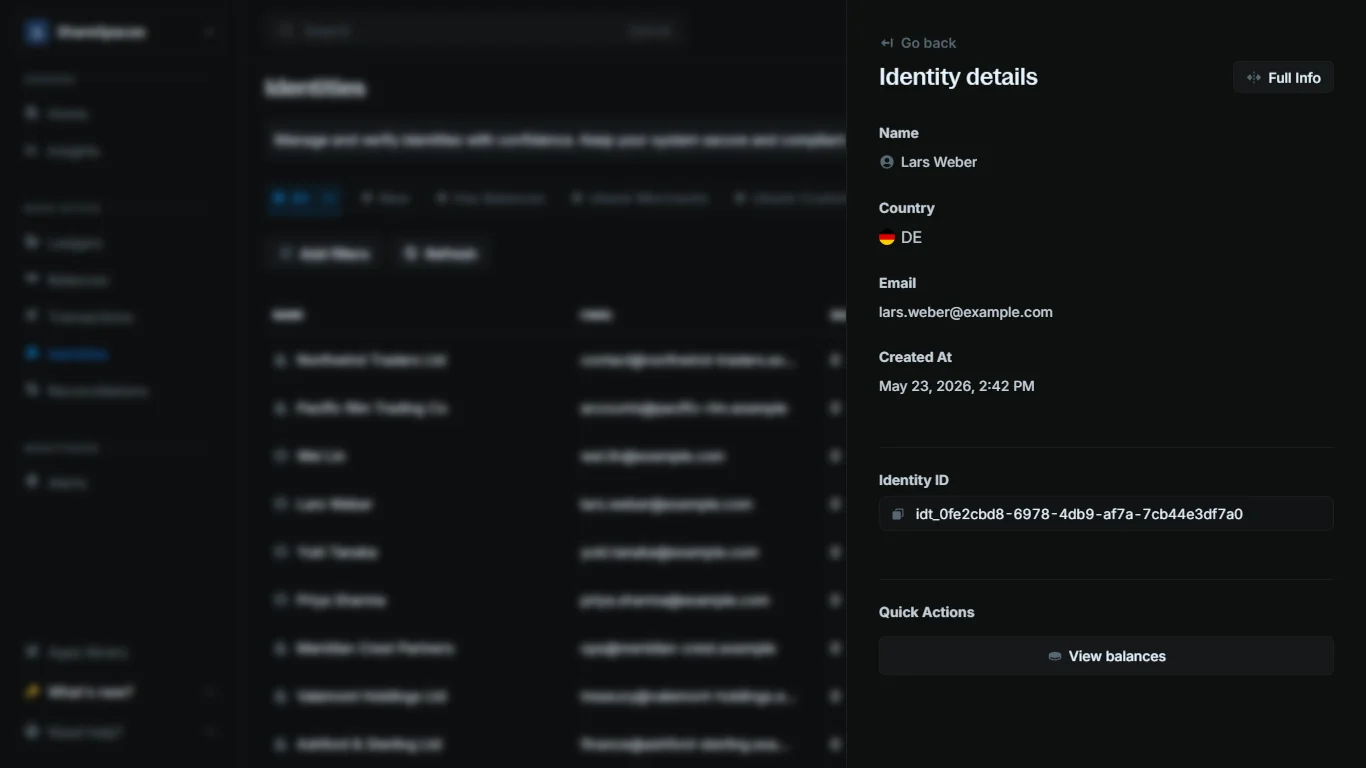
- Basic information: Name, email, phone number, and creation date
- Address details: Full address information
- Identity ID: The unique identifier for the identity
Full info in the top-right corner of the summary or press E to expand the details.
To view all transactions performed on the balance, go to the Quick Actions section at the bottom of the summary and click View transactions.