

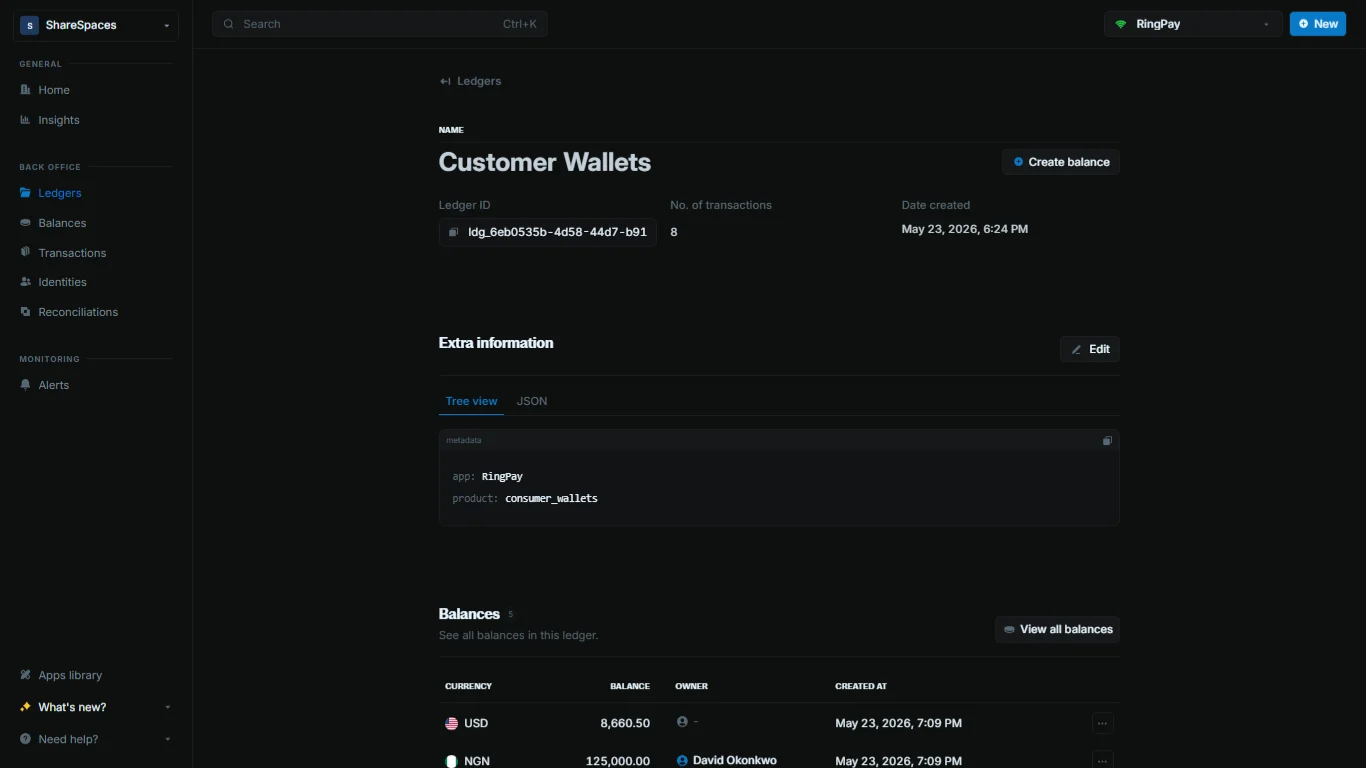
Summary section
At the top, you’ll see your ledger information:
For more details, select
Full info in the top-right corner of the summary.
Metadata
The metadata section lets you add custom information to your ledger.1
View metadata
Navigate to the 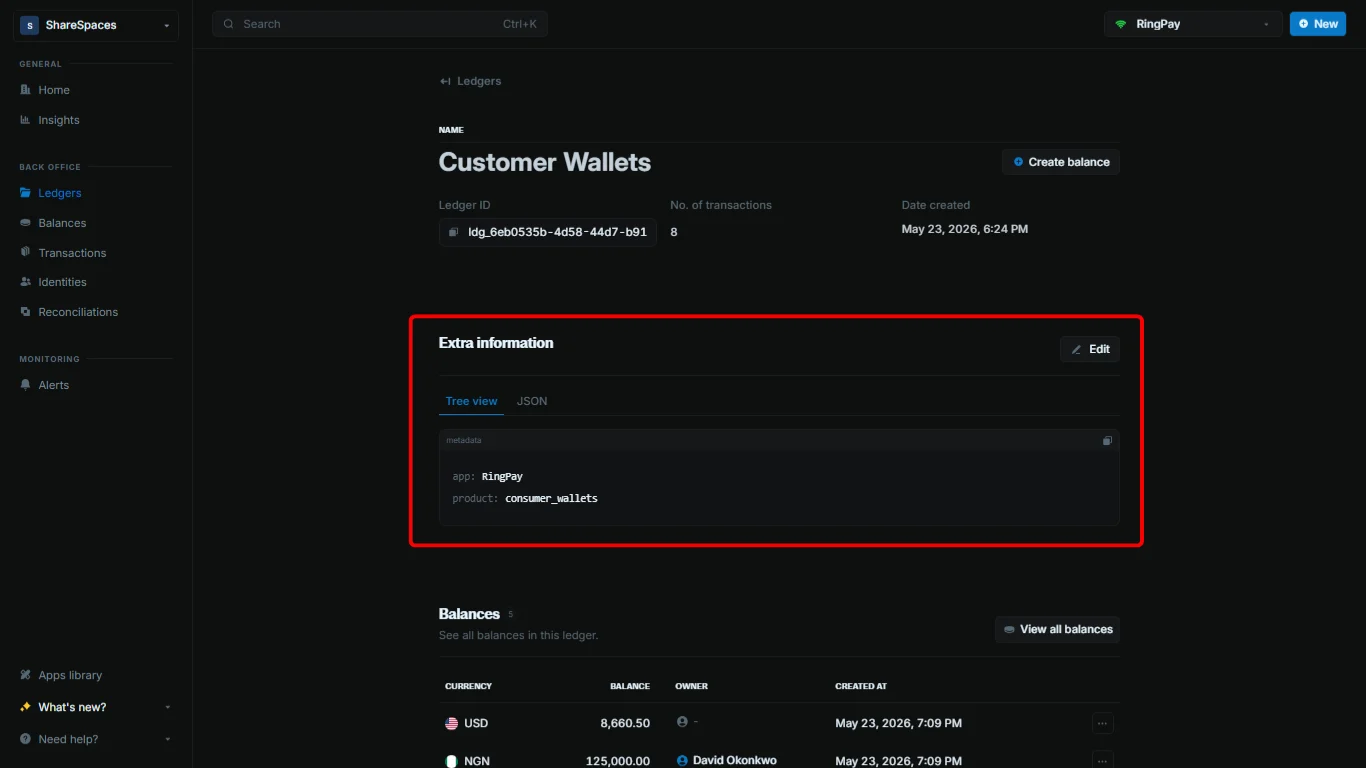
Extra information section on the ledger details page.2
Add or edit metadata
Click 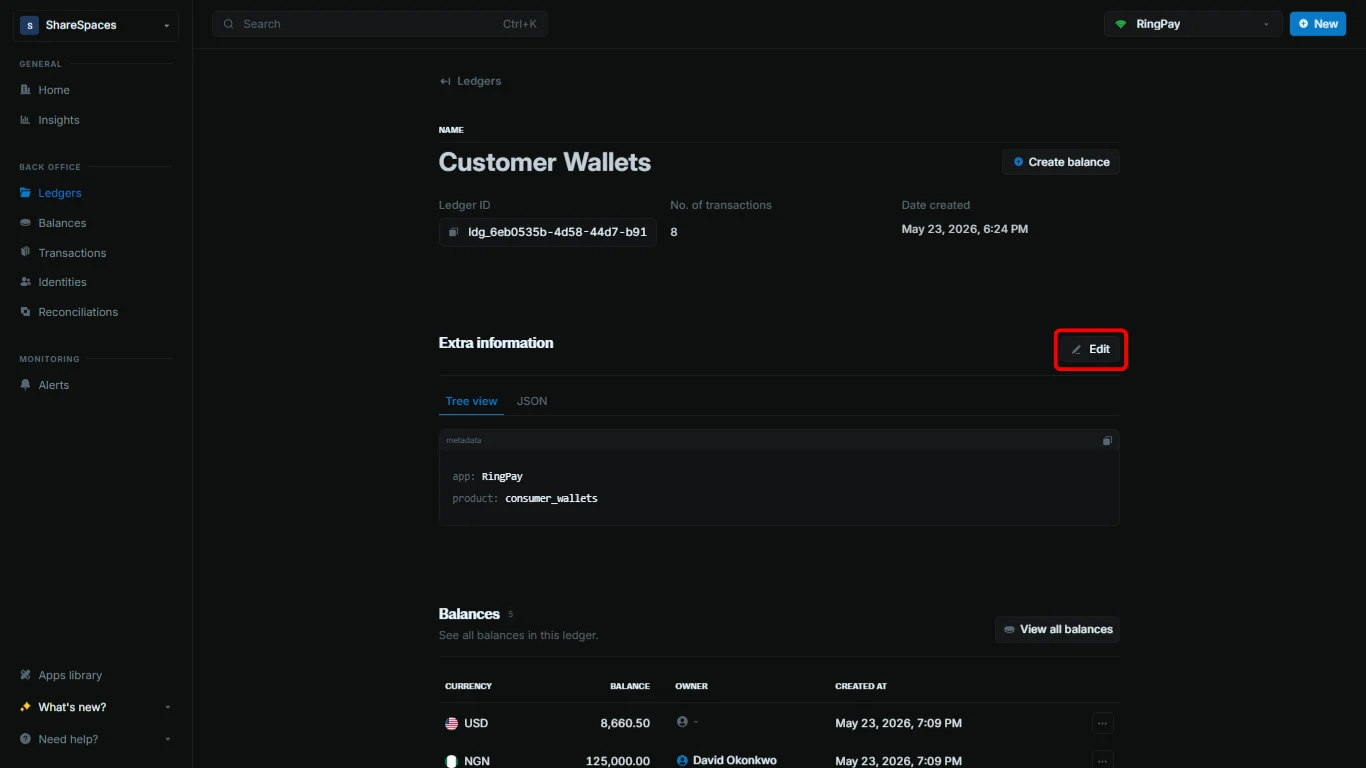
Add or Edit at the top right of the Extra information section.3
Use a template (optional)
In the editor, click 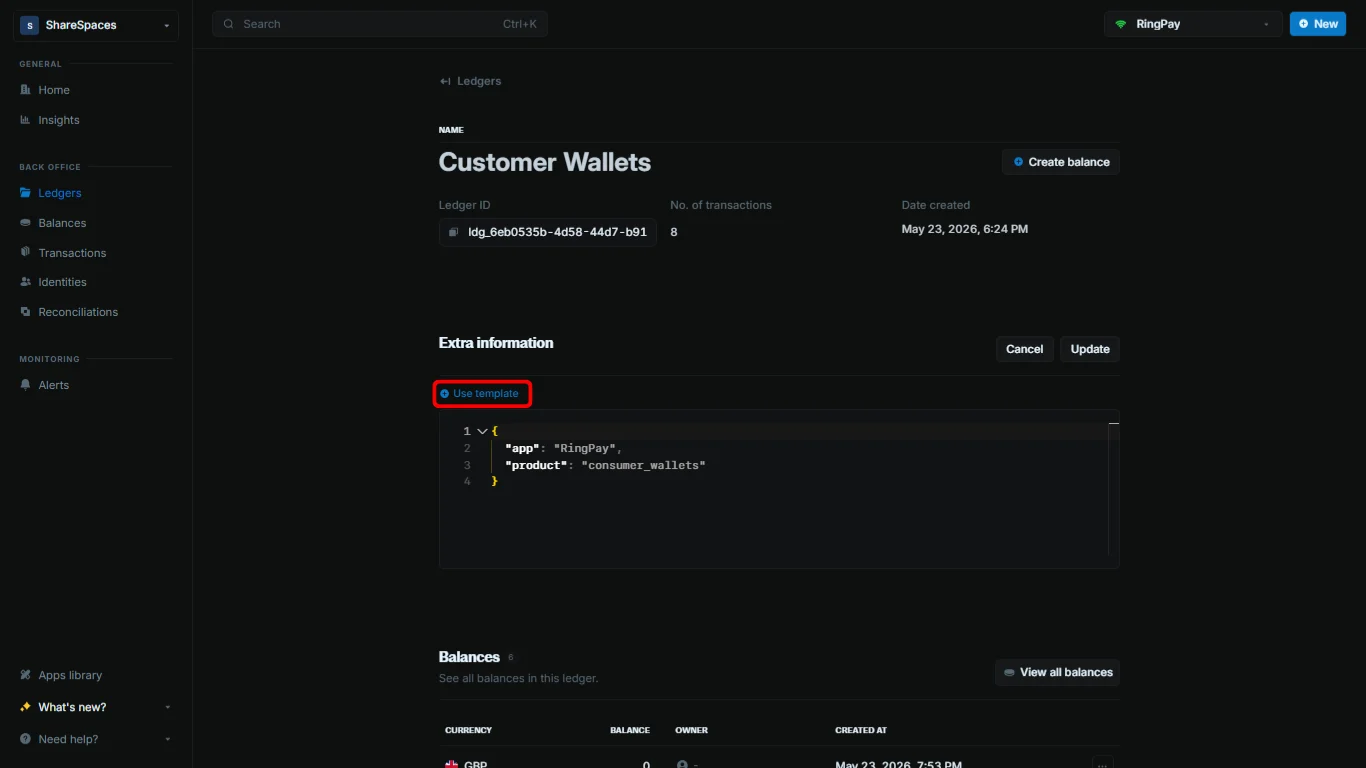
Use template to import keys from a metadata template, then fill in the values. You can also add keys with + Add metadata.4
Update
Click 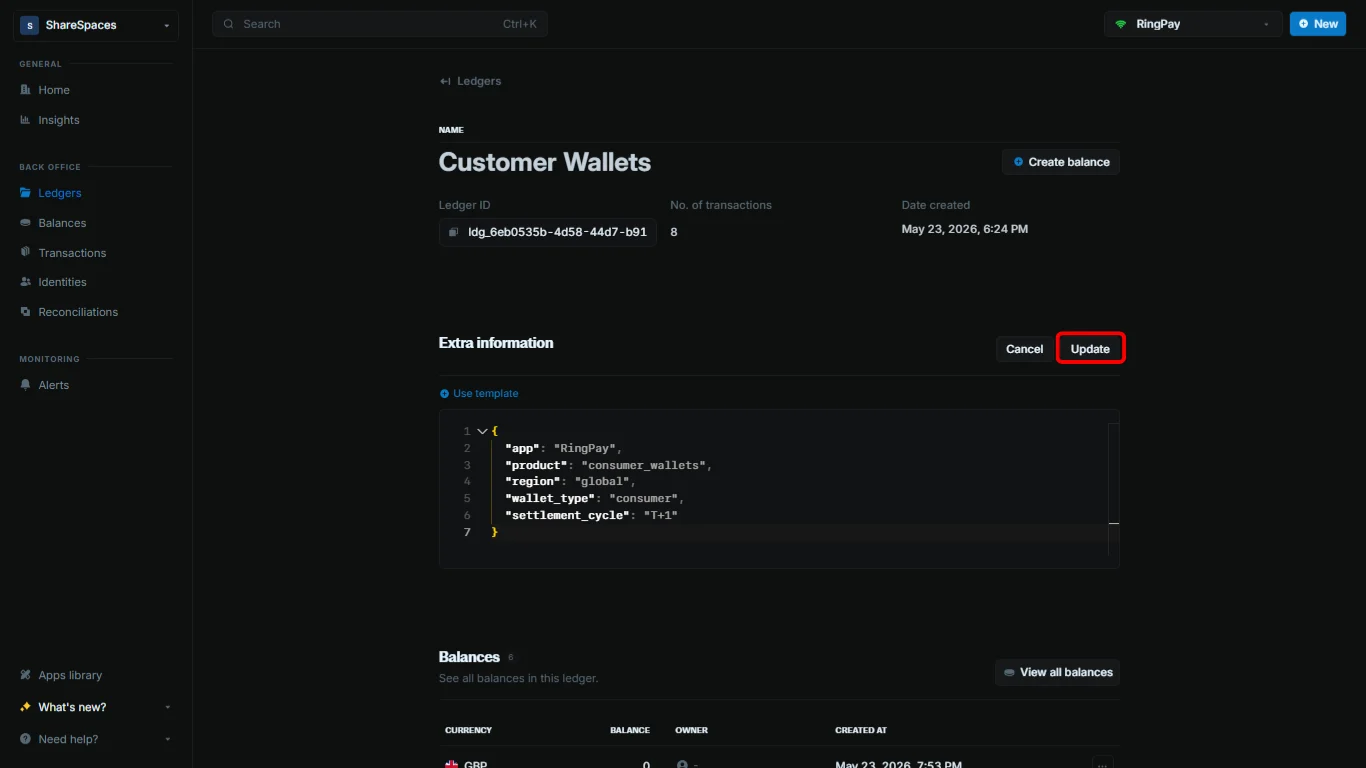
Update to save your changes.When updating metadata, any fields you don’t include in your update will remain unchanged. Blnk adds your new values to the existing metadata instead of deleting them. To remove a value, set it to an empty string.