- Click the
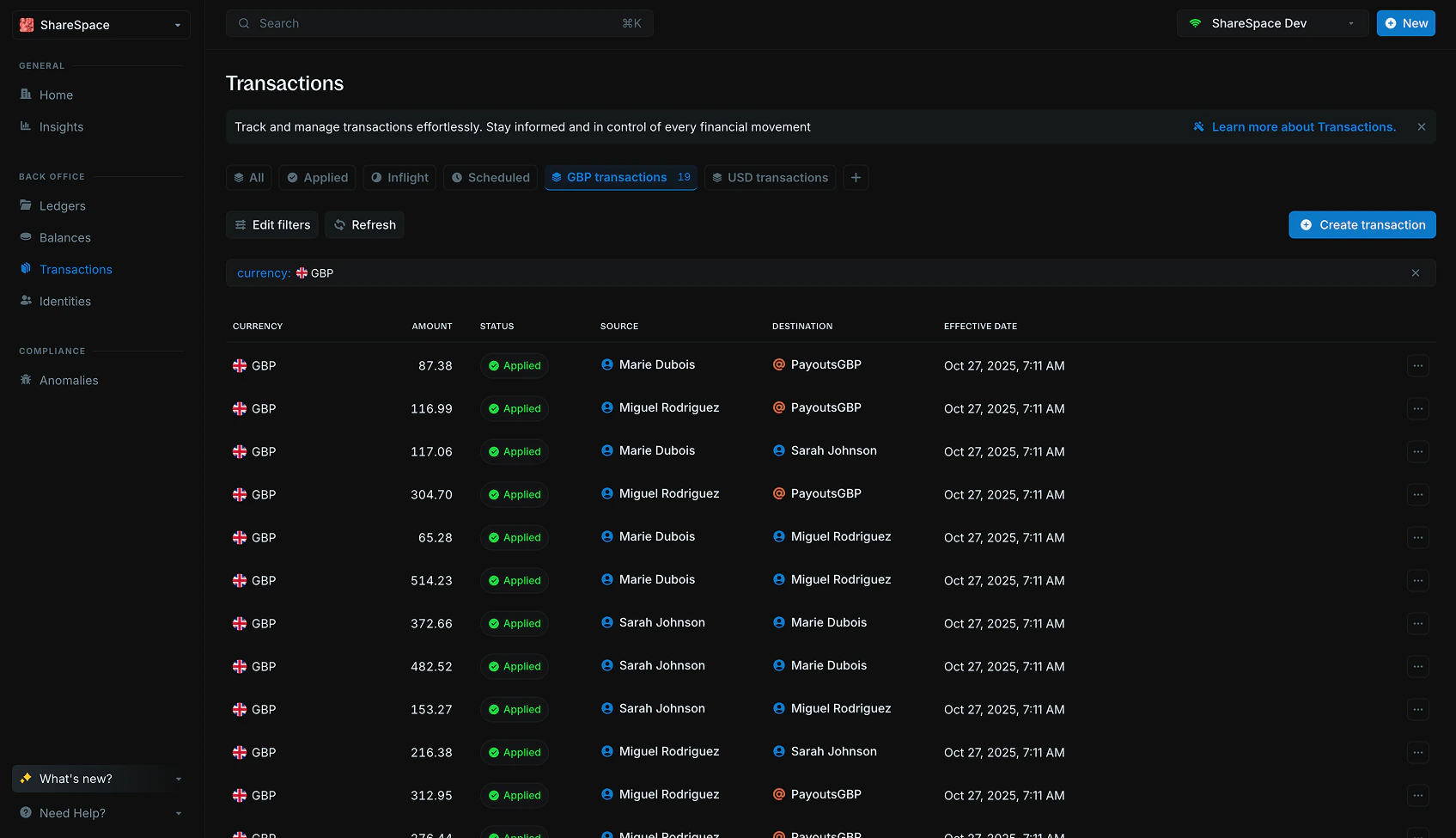
Add filtersbutton in the top-left corner of the table or pressFon your keyboard. - Apply the filters you want to include in the view.
- Click
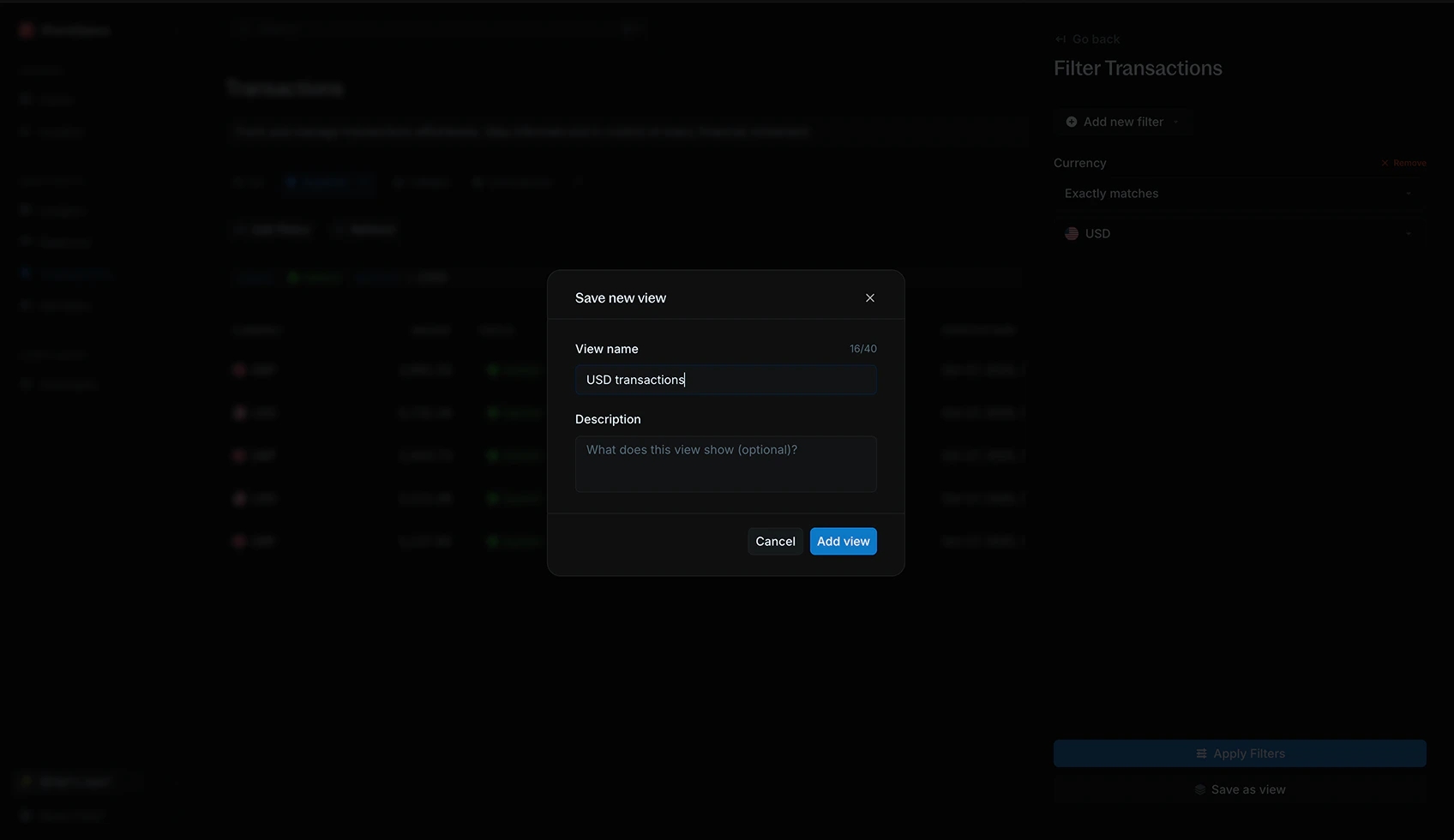
Save as viewto save your current filter setup as a new view. - Enter a name for the view.
- Add a short description to help you remember what the view is for (optional).
- Click
Save viewto finish.
Edit views
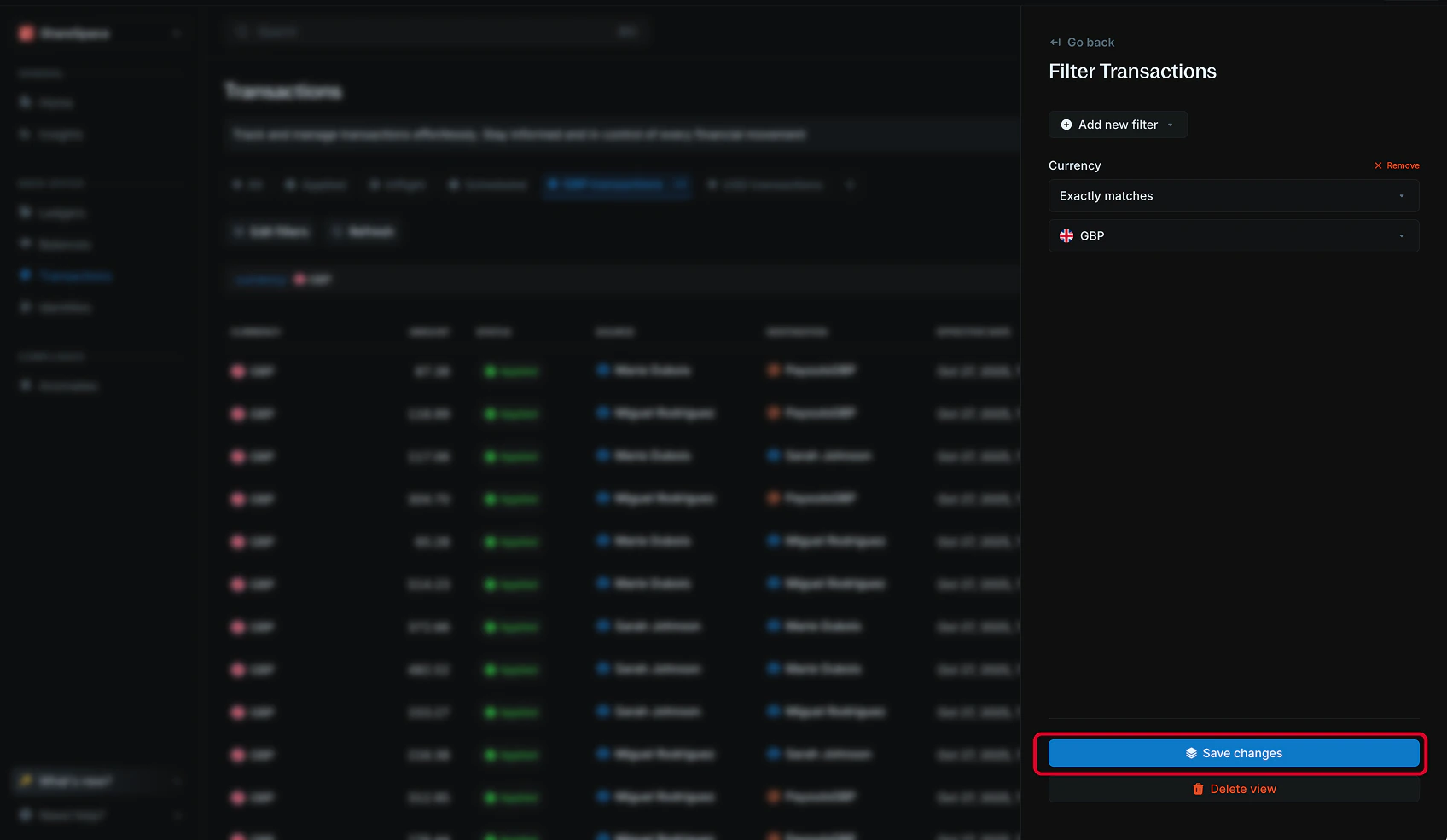
To edit a view, navigate to the view on the views bar and click theEdit filters button. Edit your filters and click Save changes to update the view.
You can also rename the view or update its description before saving.
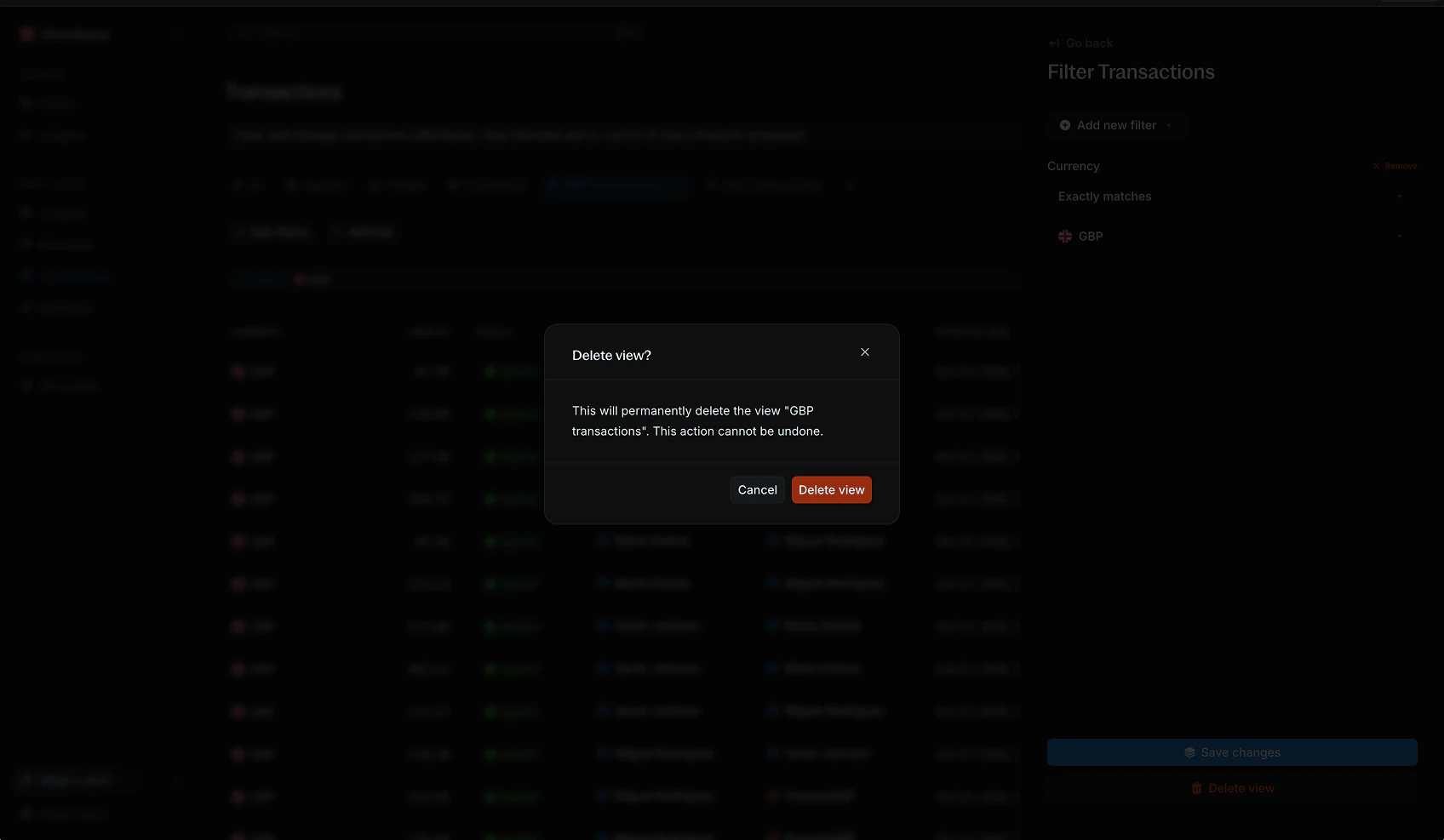
Delete view button on the edit panel.