

Preparing your external data
After exporting your data from your external source, convert it into the specified structure below, ensuring each records includes the following attributes:
Once set, export your data in CSV or JSON and upload it to Blnk.
Recommended best practices
Consider how transactions are recorded in Blnk and use it to determine how you should prepare your data. To avoid any issues with your upload, note the following important details:- Make sure the external IDs are unique and have not be used before for a previous reconciliation run.
- Ensure you use the same currency code used in your ledger per transaction.
- Convert your date and time to the UTC timezone (specified with the Z suffix).
- If your ledger uses queue, consider adding the
_qsuffix to the references in your external data for precise matching.Blnk adds_qsuffix to the references of transactions in your ledger when they move from theQUEUEDstatus to the next status.
Upload your data
To upload your data: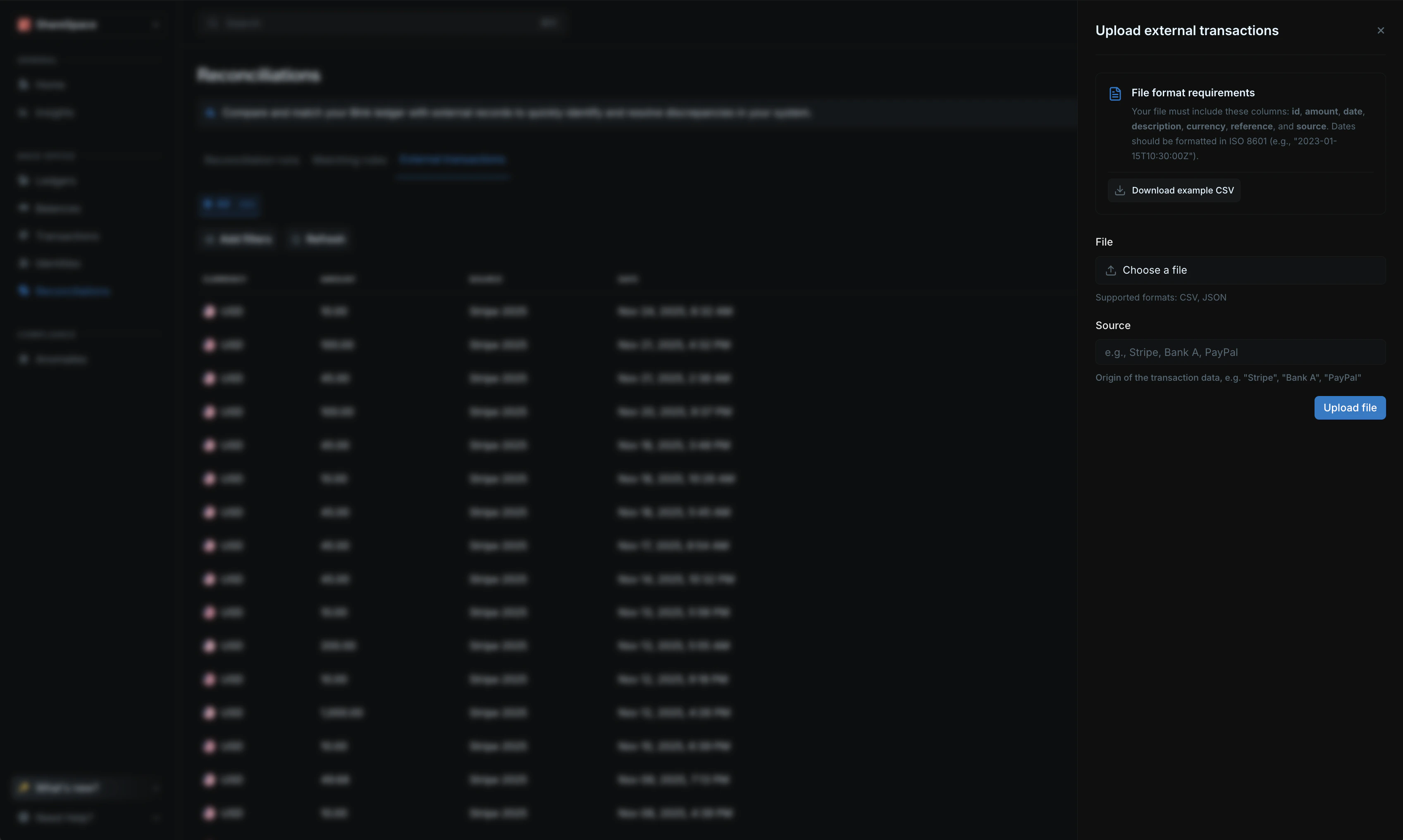
- Go to the
Reconciliationspage from your sidenav. - Click on
External transactionsfrom the top menu. - Click on
Upload external datafrom the top right corner.