Our keyboard shortcuts are designed to help you work more efficiently by reducing the need for mouse navigation.
Use shortcuts for quick access to frequent actions and pages across both Mac and Windows platforms.
All shortcuts work from any screen within the application.
Navigation & view controls
Control your workspace layout and viewing options:
Command palette
The command palette lets you navigate Cloud without reaching for the sidebar. Press ⌘ K on Mac or Ctrl K on Windows to open it from anywhere in Cloud.
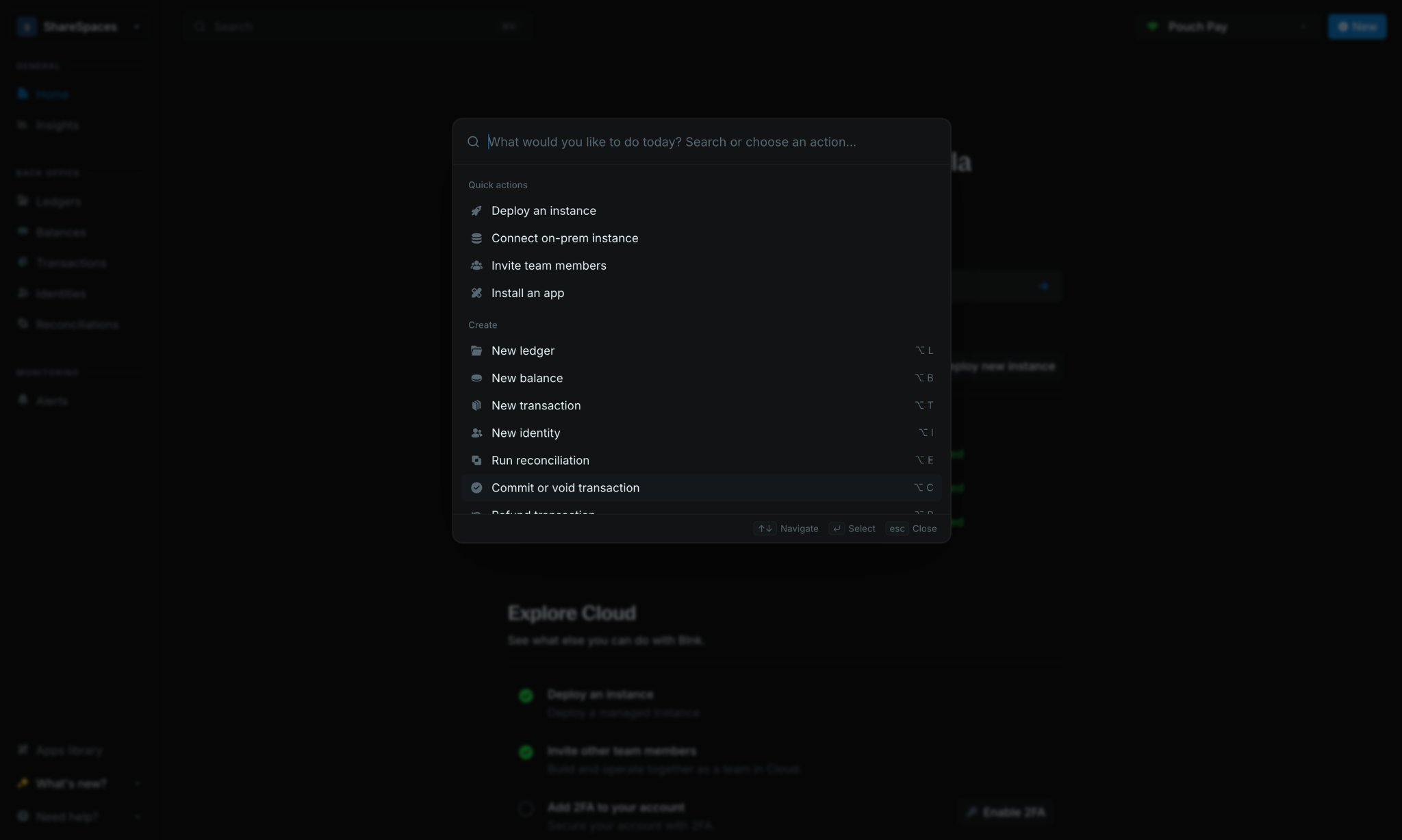
Type a page name or action, then select a result to go there immediately. Use it to:
- Jump to ledgers, balances, transactions, identities, and settings pages
- Run common actions faster than clicking through menus
Creating new items
Streamline your workflow with these shortcuts for creating new entries:
Transaction management
Need help?
We are very happy to help you make the most of Blnk, regardless of whether it is your first time or you are switching from another tool.
To ask questions or discuss issues, please contact us or join our Discord community.