Alerts
Alert description
Edit an alert description with markdown and mention teammates.
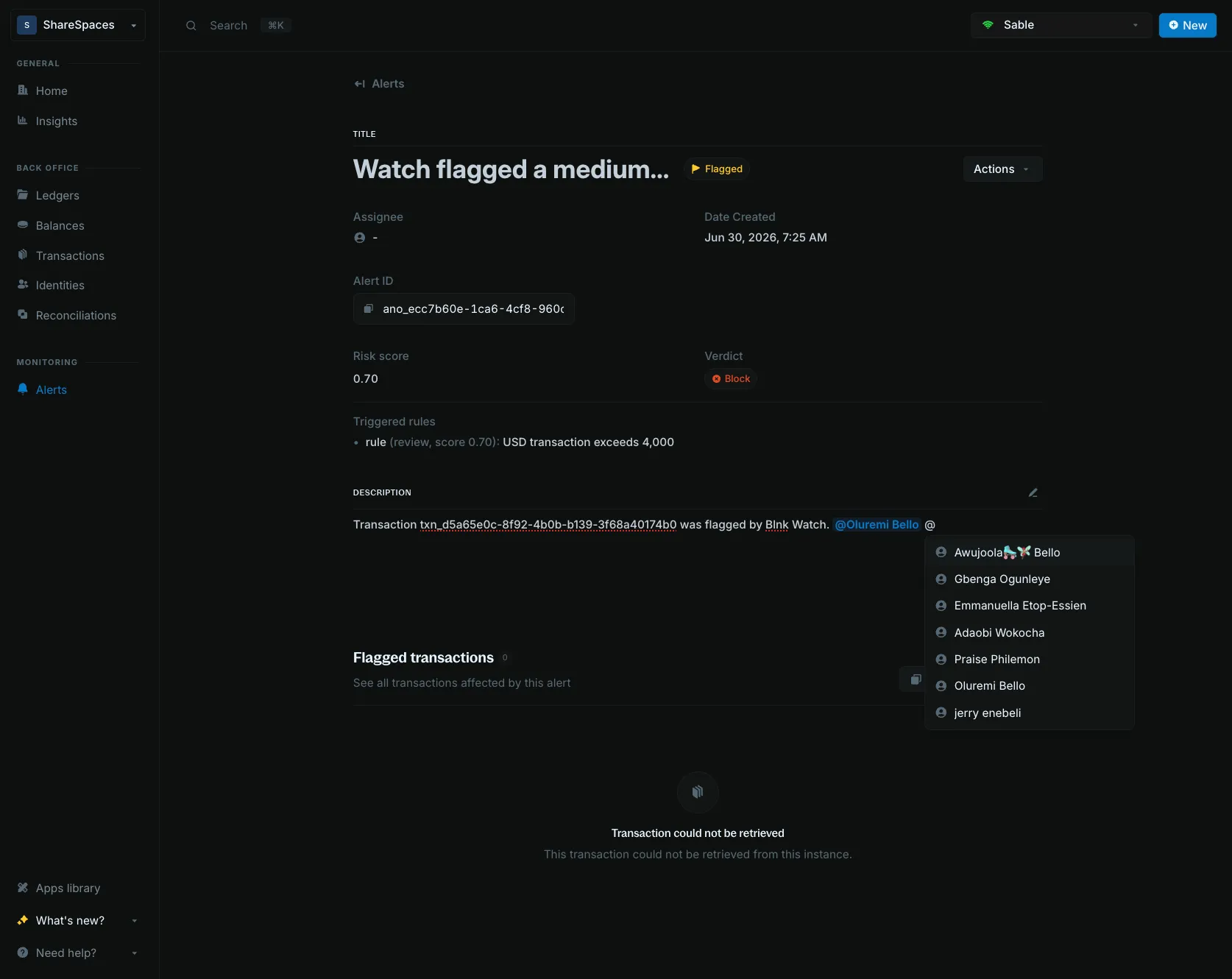
The alert description is the note you attach to an alert. You can write it in markdown and @mention teammates so the reason is easy to scan on the Alerts table and details.
On alert details, click the pencil next to Description. Make your changes, then click Save. Use Edit alert if you also need to change the title or status.
Using the API
Send description on Create alert or Update alert. The value is the note stored on the alert.
curl -X PUT 'https://api.cloud.blnkfinance.com/alerts/flag/ano_8a380fd1-0289-46d1-bc76-aa17a510a64e' \
  -H 'X-blnk-key: CLOUD_API_KEY' \
  -H 'Content-Type: application/json' \
  -d '{
    "description": "Customer balance needs a manual check before the next payout."
  }'
Field details are on Update alert.
Block types
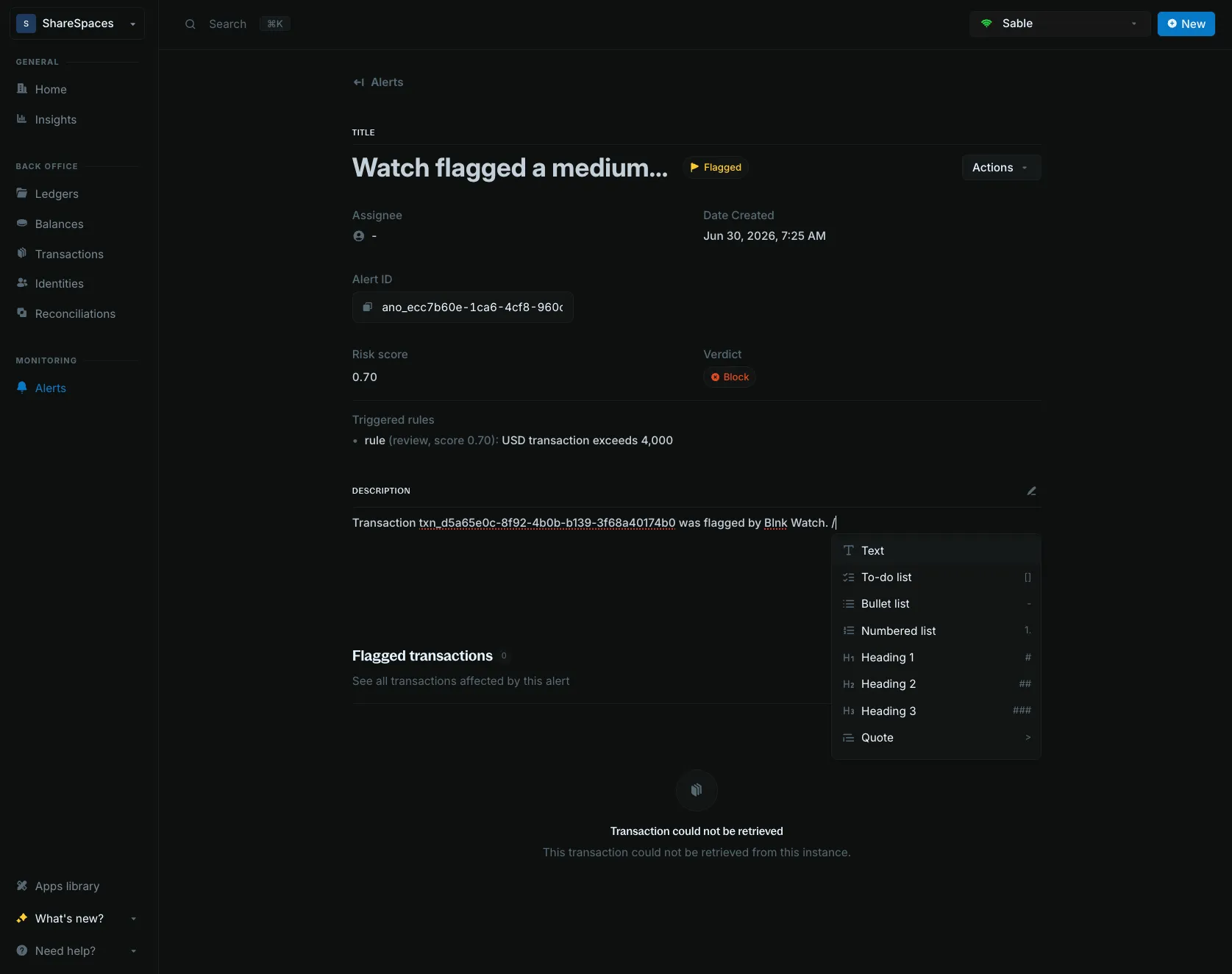
Type / in the description to insert a block. You can also type the shortcut.
| Type | Shortcut |
|---|---|
| Text | / then Text |
| To-do list | [] |
| Bullet list | - |
| Numbered list | 1. |
| Heading 1 | # |
| Heading 2 | ## |
| Heading 3 | ### |
| Quote | > |
| Code block | ``` |
| Divider | --- |
Mention a teammate
Type @ in the description and choose a teammate. Their name is added to the note.
Assigned to is separate. That field is who owns the alert.