

Operating
Billing
Review your plan, invoices, and record usage.
Billing is where you manage your organization’s plan, invoices, payment details, and record usage. Open it from Settings > Billing.
Cloud plans
Blnk Cloud has two plans: Sandbox and Production. Every new organization starts on Sandbox, with a 5-day trial. Deploy Production when you need dedicated infrastructure and operational guarantees.
Usage-based billing
Sandbox and Production instances include a usage limit measured in records.
A record is any ledger, transaction, balance, identity, or reconciliation external data stored in an instance. Your record count is the total of these objects, including records from previous months. Usage is measured this way so Cloud cost grows as the product grows.
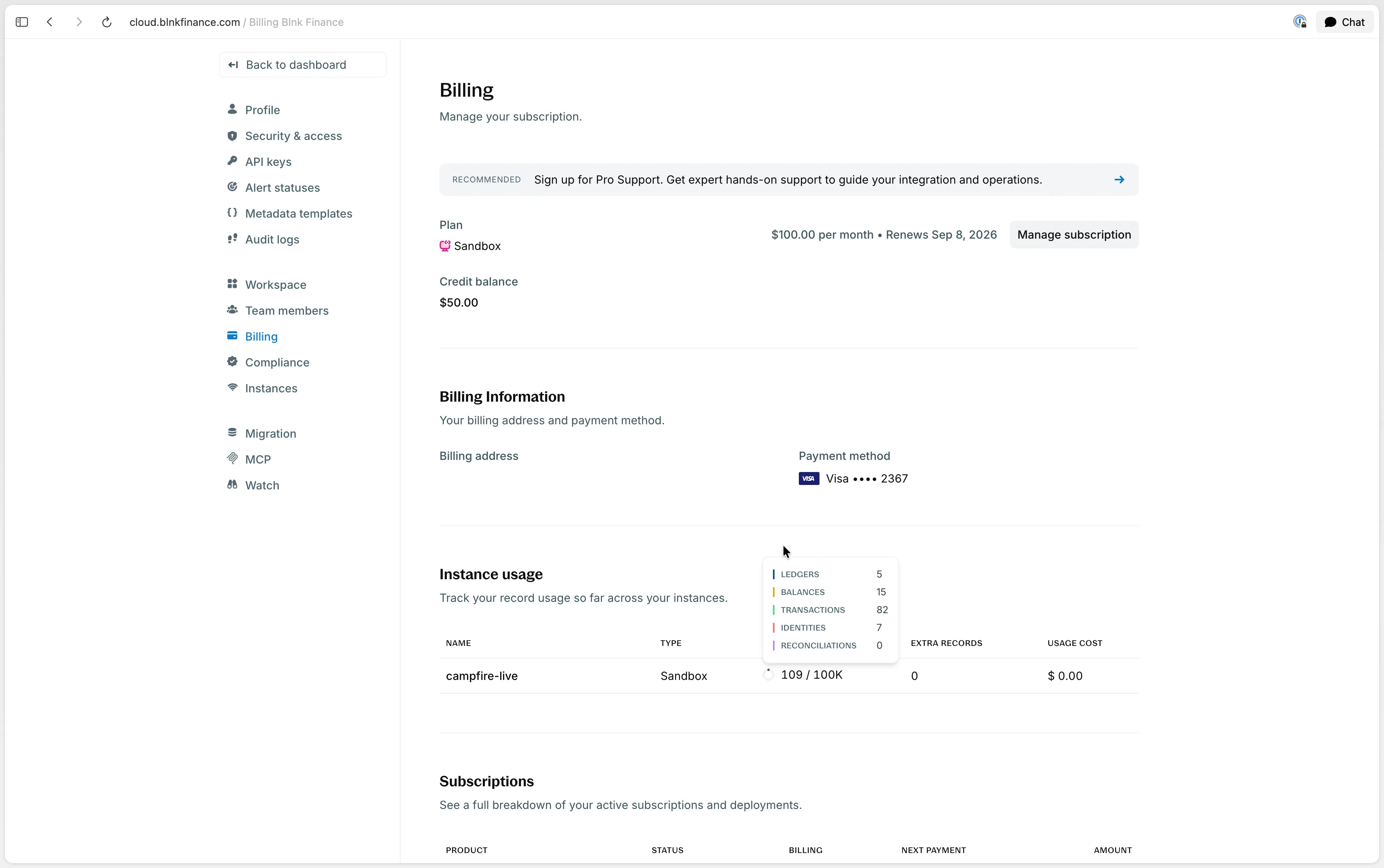
When you reach the included limit, you choose whether to opt into usage-based billing. If you opt in, you can keep creating records, and Blnk charges for each extra record stored, not for each extra record created during the month. If you do not opt in, you cannot create new records in that instance.
At the end of each monthly billing cycle, Blnk takes a snapshot of the records stored in each instance. Extra records above the allowance are billed from that snapshot.
- On monthly plans, this is billed with the next month’s plan fee.
- On yearly plans, it is billed monthly as a separate usage charge.
How to monitor your usage
Track record usage in Settings > Billing. Blnk does not charge for extra usage until you opt into usage-based billing for the instance.

Manage your billing
From Settings > Billing, you can update the plan and payment details, review subscriptions and invoices, or cancel the subscription.
Manage your subscription
Click Manage subscription to change the plan, billing address, or payment method. Plan updates take effect immediately.
- If you upgrade, Blnk charges the prorated amount of the new plan for the billing period.
- If you downgrade, nothing is charged.
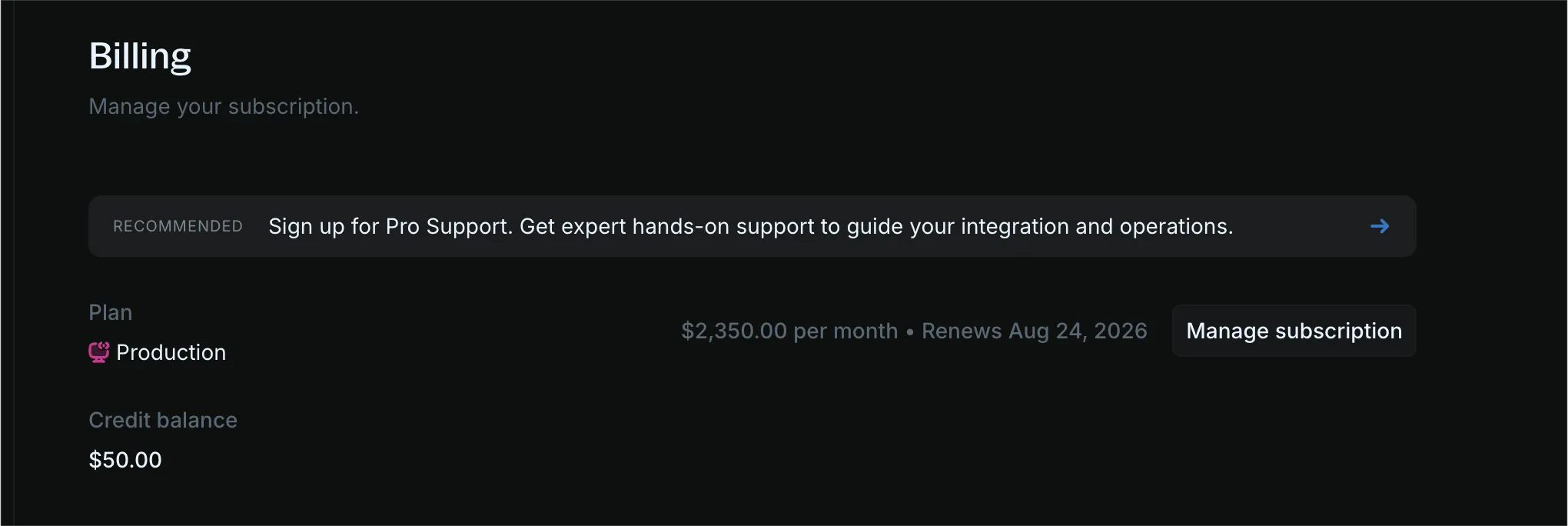
When a payment fails, you no longer have access to the Cloud workspace until you resolve the pending invoice. Update the payment details to clear it.
View subscriptions
See active subscriptions and deployments.
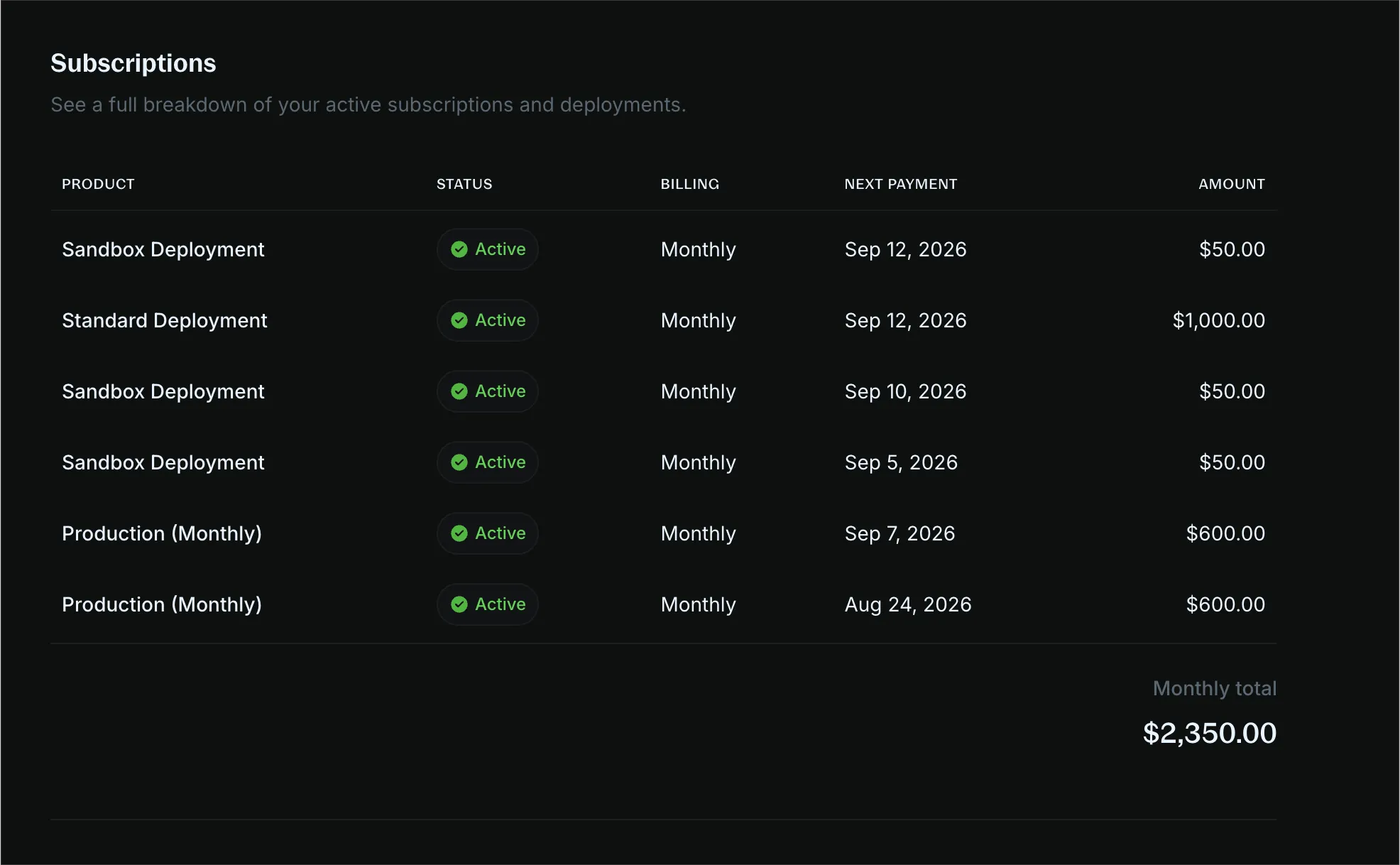
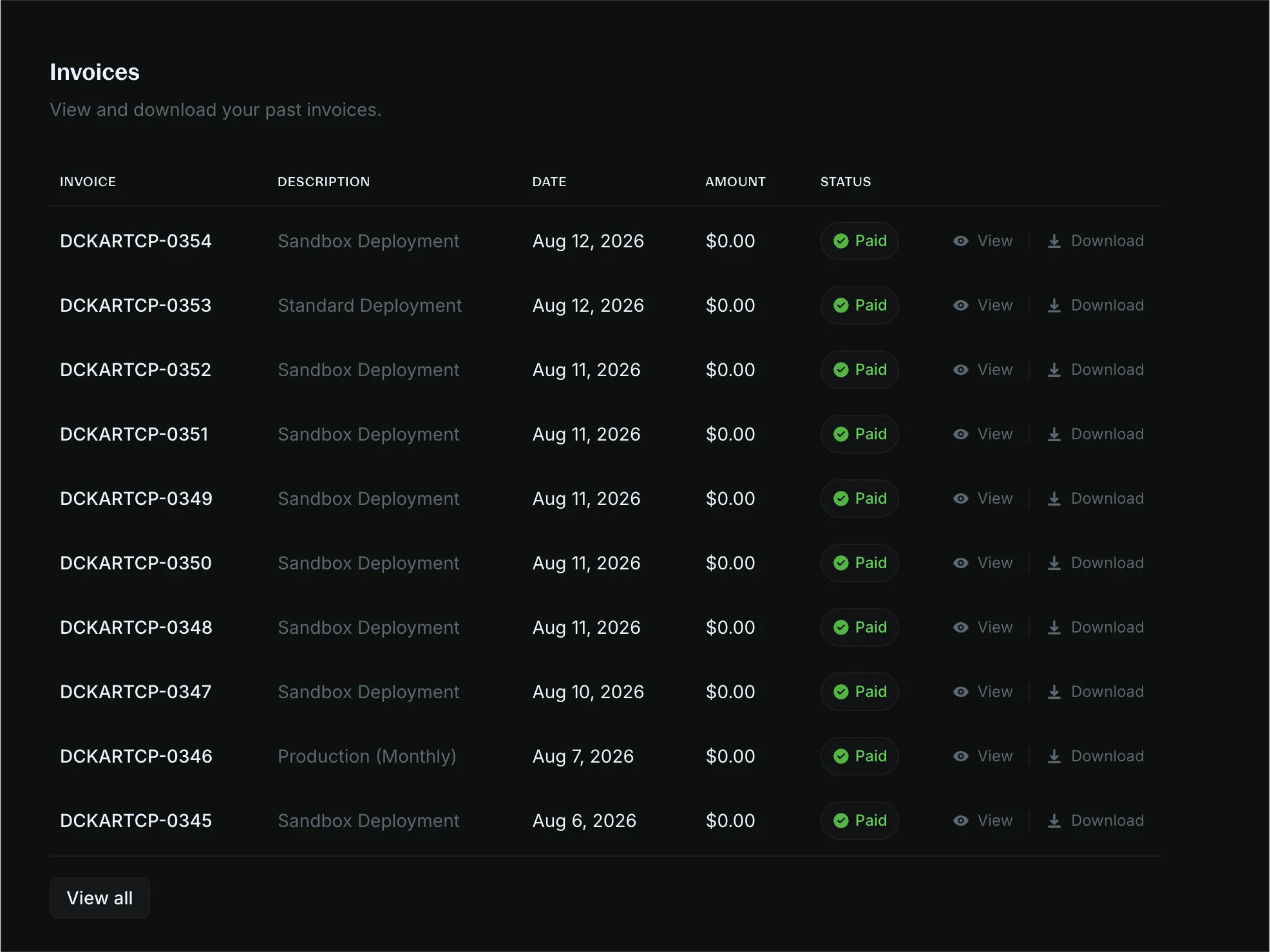
View invoices
View and download past invoices.
Cancel your subscription
Click Manage subscription to cancel. There are no refunds for cancellations mid-subscription. The subscription stays active until the end of the billing period.
FAQs
Is Blnk Cloud a fully-hosted solution?
Yes. You can deploy a fully managed ledger from your Blnk Cloud workspace with one click. No extra setup is required.
See Managed instances.
How is storage measured?
Storage is the number of records stored. A record is a ledger, transaction, balance, identity, or external data uploaded for reconciliation in the instance.
How is usage billed?
Each instance includes a maximum number of records you can store. When you go over the limit, you can opt into usage-based billing. You are then billed monthly for the additional records stored in that instance, not for records created during the month.
Will my invoice increase as my business grows?
Yes, and the increase follows records stored. The bill grows with additional usage. You can estimate the cost by checking the record count.
Do additional usage costs reset every month?
No. Additional records remain stored in the instance and keep counting toward the bill until you destroy or terminate the instance.
Can I run my product with Sandbox?
Yes. Sandbox works for smaller, low-risk projects. It does not include SLA-backed guarantees such as backups or 99.9% uptime.
For those guarantees, use Production. See Deployment types.
When should I upgrade to Production?
Upgrade to Production when you need dedicated infrastructure, high availability, backups, compliance, or guaranteed operational and support SLAs.
Is there a free trial for Blnk Cloud?
Yes. New customers get a 5-day trial on the Sandbox plan, including a sandbox instance to build the product.
What happens if I exceed my plan limits?
If you opt into usage-based billing, the instance keeps running and additional charges apply for records stored beyond the included amount. If you do not opt in, you cannot create new records in the instance.
What happens if a payment fails?
You no longer have access to Blnk Cloud until you resolve the pending invoice. If you do not resolve it within 30 days, active deployments are deleted and the subscription is cancelled. See Manage your subscription.
Can I migrate from another platform to Blnk?
Yes. If you need help with migration and onboarding, contact Support. To move data between self-hosted Core and Cloud, see Migrate your instance.
How do I get started?
Sign up to Blnk Cloud. Every organization starts on Sandbox, with a 5-day trial. Then deploy an instance or connect a self-hosted Core.
See Getting started. If you run into issues, contact Support.