

Alerts
Alert statuses
Manage custom alert statuses with names and colours.
Alert statuses let you define custom names and colours for the statuses you use on alerts. You can create statuses like “Pending”, “In Review”, or “Fraud review” and assign each a colour so they’re easy to spot in your Alerts table and details.
You can find it in Settings > Alert statuses.
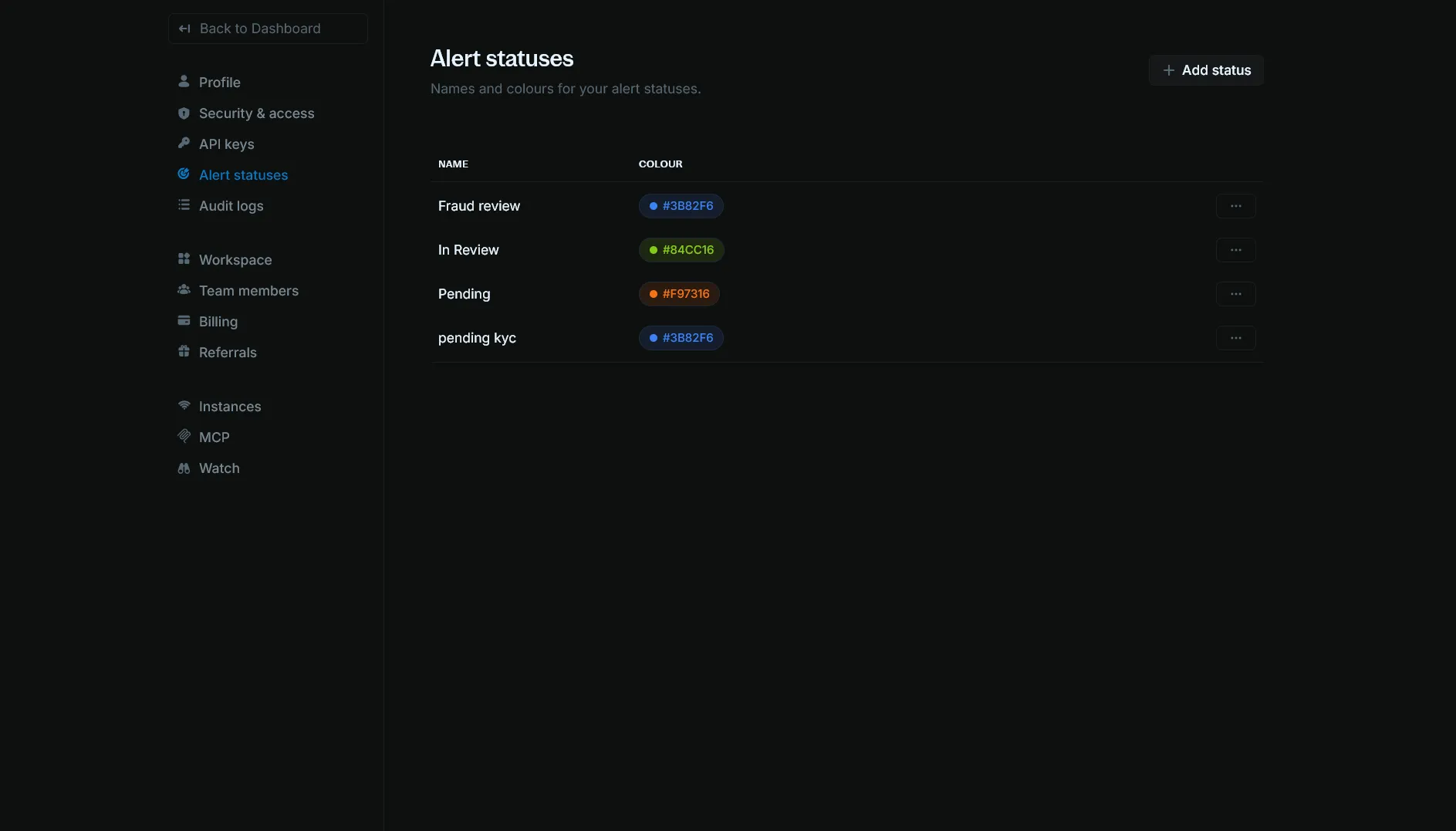
View alert statuses
The Alert statuses page lists all custom statuses for your organization. For each status you can see:
- Name: The display name (e.g. “Fraud review”, “In Review”, “Pending”).
- Colour: A colour swatch and hex code (e.g.
#3B82F6,#84CC16). Colours must be one of the allowed values.
Use the Actions menu (three dots) on a row to edit or delete that status.
Add a status
Click + Add status in the top-right corner.
- Name: a name for the status (for example, “Pending Review” or “In Progress”)
- Colour: one of the allowed options
Click Add status.
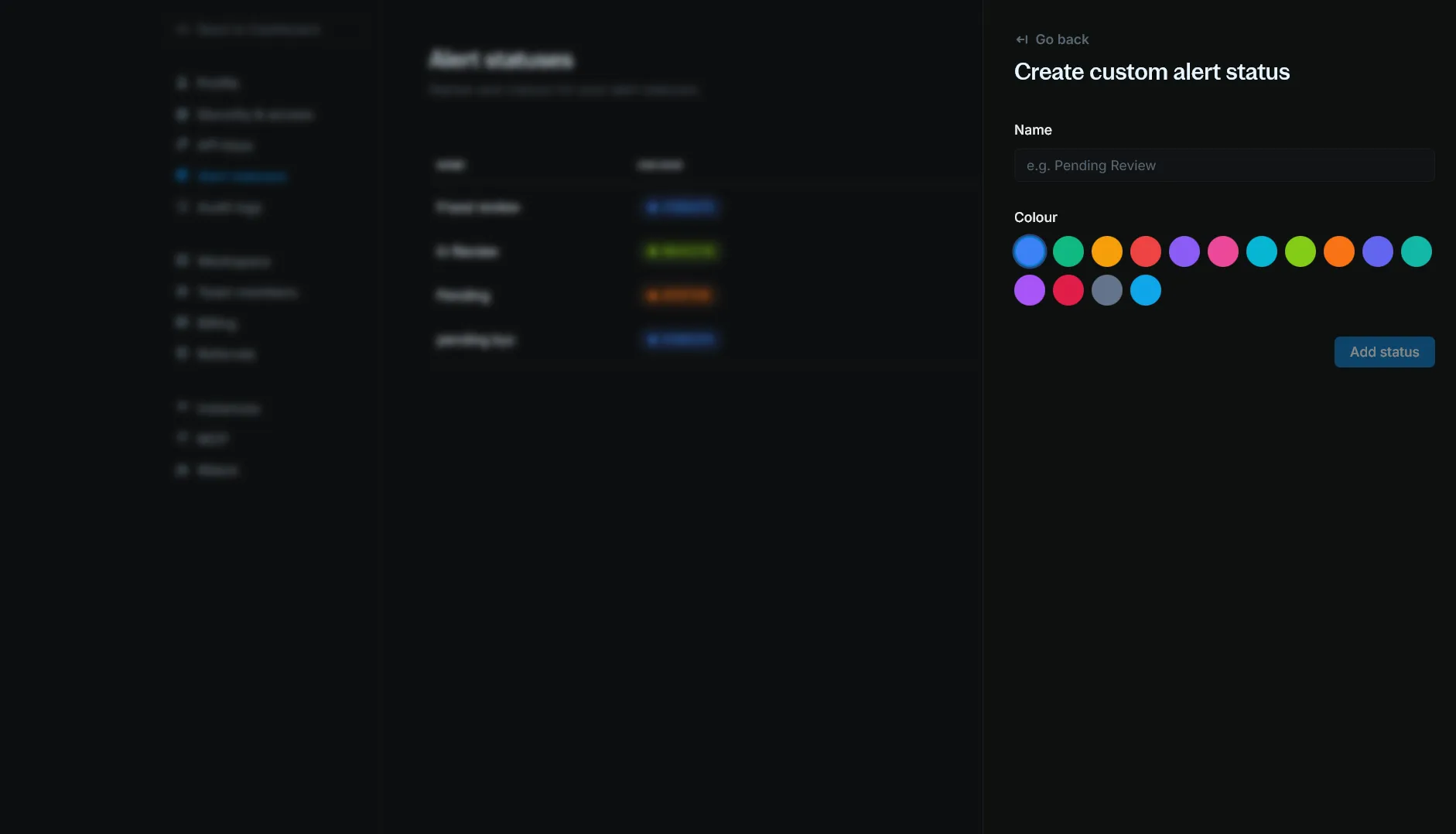
The new status will appear in the list and can be used when updating alerts.
Edit a status
- On the Alert statuses page, open the Actions menu (three dots) for the status you want to change.
- Select Edit.
- Update the Name and/or Colour.
- Click Save.
Delete a status
- On the Alert statuses page, open the Actions menu (three dots) for the status.
- Select Delete.
- Confirm the deletion.
If any alerts still use this status, you must reassign them to another status before you can delete it.