

Operating
Profile
Update your name and review the email on your Blnk Cloud account.
Your profile in Settings > Profile is where you manage your user account in Blnk Cloud.
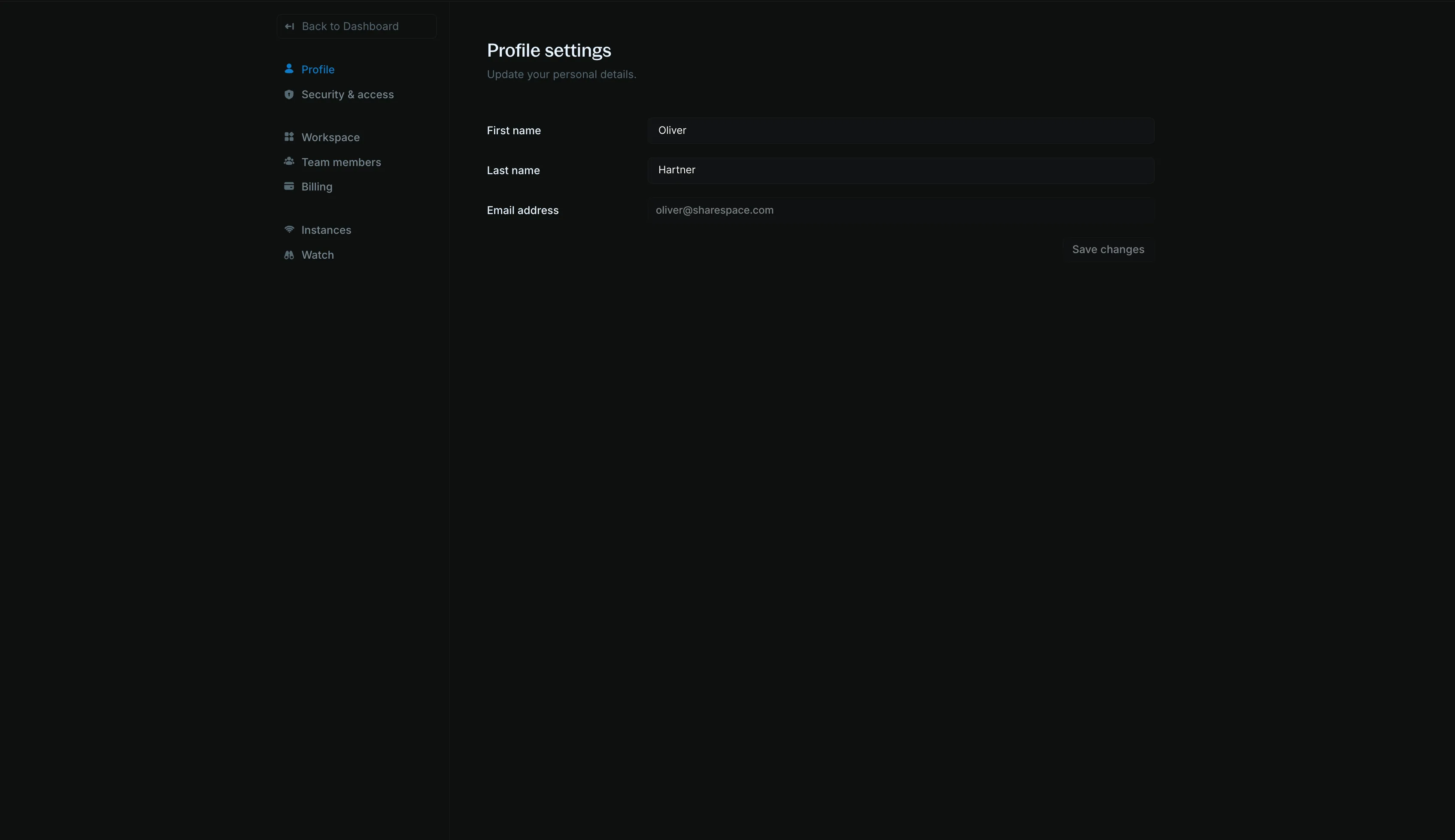
Names and emails
You can change your first and last names. Other team members can see your name in the workspace when you perform an action or are assigned to an issue.
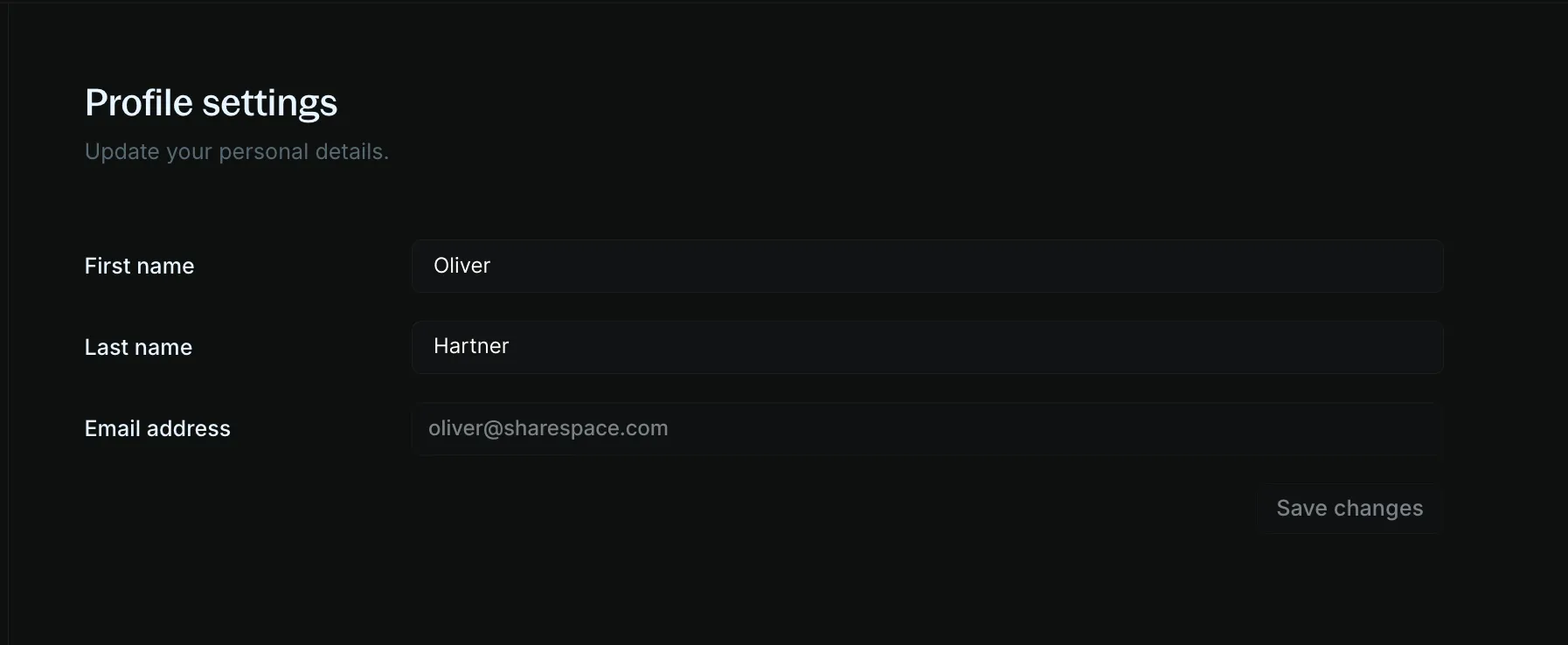
You cannot change your email address. To update your email address, contact Support.