The Blnk TypeScript SDK is the official Node.js client for Blnk Core, published as @blnkfinance/blnk-typescript. For detailed documentation on each API, reference the Core documentation.

Quick start

In a few minutes, you’ll have a Node.js app moving money on your Blnk ledger. That’s the starting point for wallets, transfers, and the rest of your product.
1

Launch Blnk

You need a running Blnk Core instance before using the SDK.

Install Blnk

Local install or Blnk Cloud
2

Install the TypeScript SDK

Create a Node.js project and install the SDK. You need Node.js 18 or later.
bash
npm init -y
npm install @blnkfinance/blnk-typescript
npm install -D tsx typescript
3

Client initialization

Call BlnkInit to create a client. Pass your API key as the first argument when your instance requires authentication. The SDK sends it as the X-Blnk-Key header.Use an empty string when running locally without auth. BlnkInit is synchronous: do not await it.
client.ts
import { BlnkInit } from '@blnkfinance/blnk-typescript';

const apiKey = process.env.BLNK_API_KEY ?? '';
const blnk = BlnkInit(apiKey, {
  baseUrl: 'http://localhost:5001',
  timeout: 10000,
});
4

Create your first transaction

Create index.ts, paste the script below, and run it:
index.ts
import { BlnkInit } from '@blnkfinance/blnk-typescript';

const blnk = BlnkInit('', { baseUrl: 'http://localhost:5001' });

const response = await blnk.Transactions.create({
  amount: 1000,
  reference: 'first_txn_001',
  currency: 'USD',
  precision: 100,
  source: '@FundingPool',
  destination: '@MyBalance',
  description: 'My first Blnk transaction',
  allow_overdraft: true,
});

if (response.status !== 201 || !response.data) {
  console.error(`Error ${response.status}: ${response.message}`);
  process.exit(1);
}

console.log('Transaction ID:', response.data.transaction_id);
console.log('Status:', response.data.status);
Run the script:
bash
npx tsx index.ts
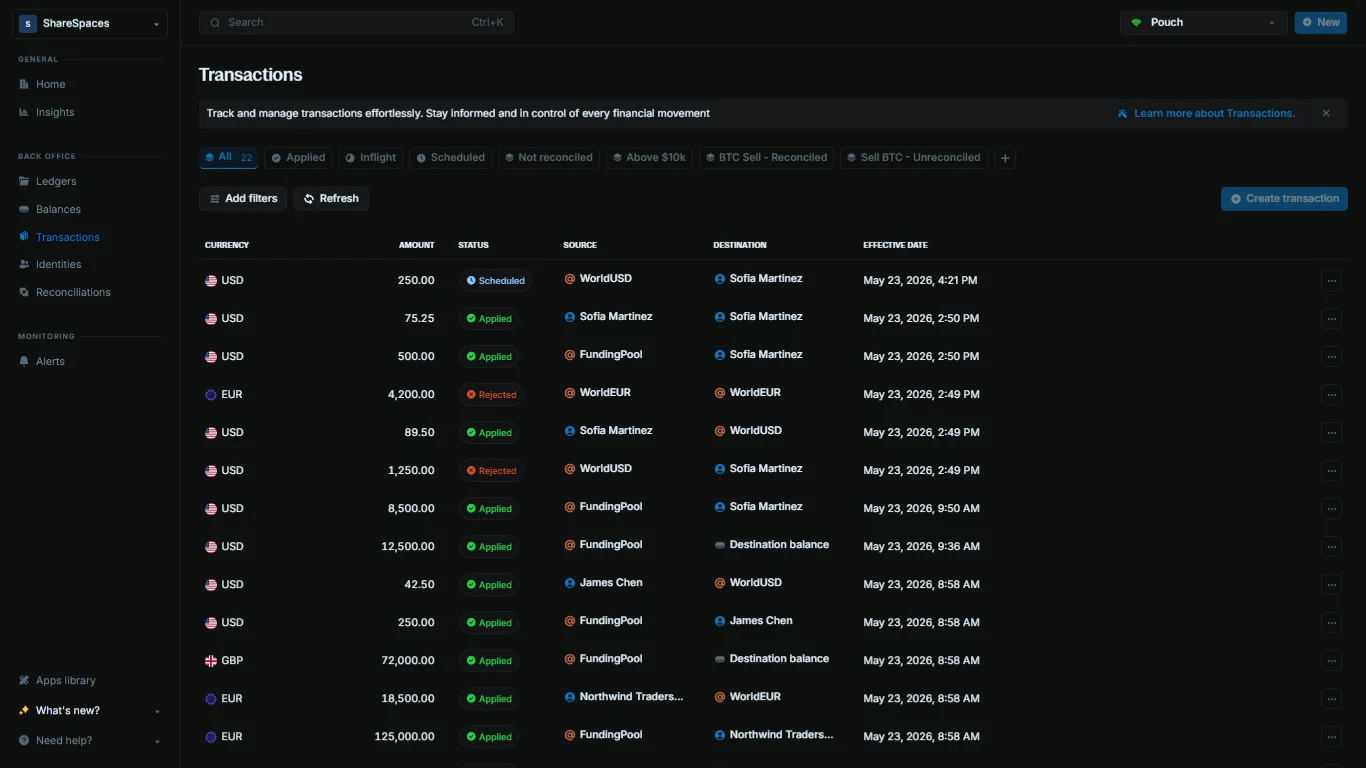
Your script prints the transaction ID when it succeeds. Verify the record with the CLI or in Blnk Cloud.
bash
blnk transactions list
Internal balances like @FundingPool are created automatically. See Internal balances to learn how they work.

Error handling

Every SDK method returns an ApiResponse<T> envelope:
interface ApiResponse<T> {
  status: number;
  message: string;
  data: T;
}
Check status and data after every call:
Error handling
const response = await blnk.Ledgers.create({
  name: 'Customer accounts',
});

if (response.status !== 201 || !response.data) {
  console.error(`Error ${response.status}: ${response.message}`);
  return;
}

console.log('Ledger ID:', response.data.ledger_id);
The SDK handles three failure modes:
  1. HTTP errors: Non-2xx responses return the status code, a message, and the error body in data.
  2. Client-side validation: SDK validators return status: 400 with a message before the network call (for example, a missing reference or an invalid bulk payload).
  3. Network or timeout errors: Caught internally and returned as a failed ApiResponse with a logged error.

Using the SDK

Reference the Core documentation to understand how each API works. This section shows how those APIs are organized in the TypeScript SDK.

Client structure

BlnkInit returns a client with one service per resource:
  • blnk.Ledgers
  • blnk.LedgerBalances
  • blnk.Transactions
  • blnk.BalanceMonitor
  • blnk.Reconciliation
  • blnk.Search
  • blnk.Identity
Call methods on the service that matches the resource you need. The endpoint map lists each method and links to its API reference page.

Request field names

Use snake_case field names that match the HTTP API directly: meta_data, ledger_id, allow_overdraft, and so on.
await blnk.Transactions.create({
  amount: 1000,
  precision: 100,
  currency: 'USD',
  source: 'bln_28f25ef6-2e0d-4fa6-891c-37fc409d654e',
  destination: 'bln_86ba7976-499d-4282-955e-a7c2abf5db12',
  reference: 'payment_001',
  allow_overdraft: true,
  meta_data: { tier: 'gold' },
});

Client options

Pass options as the second argument to BlnkInit:
  1. baseUrl: Required. A trailing / is appended automatically if missing.
  2. timeout: HTTP timeout in milliseconds. Defaults to 3000.
const blnk = BlnkInit(process.env.BLNK_API_KEY ?? '', {
  baseUrl: 'http://localhost:5001',
  timeout: 30000,
});

Module formats

Use ESM import syntax in TypeScript projects:
import { BlnkInit } from '@blnkfinance/blnk-typescript';
CommonJS also works and matches the GitHub examples:
const { BlnkInit } = require('@blnkfinance/blnk-typescript');

Endpoint map

Each SDK method calls a Blnk Core HTTP endpoint. Use this map to find the SDK method for an operation and open its reference page for field definitions and business logic.
Read the linked Core reference page for each method to understand required fields, validation rules, and behavior.
SDK methodAPI Reference
blnk.Ledgers.createCreate ledger
blnk.Ledgers.getGet ledger
const response = await blnk.Ledgers.create({
  name: 'Customer accounts',
  meta_data: { project_owner: 'MyApp' },
});

Where to find examples

TypeScript SDK examples

Escrow, savings, cards, and reconciliation.

Core tutorials

Step-by-step use case guides

Ledgers

Group and organize balances

Balances

Wallets, accounts, and stores of value

Need help?

We are very happy to help you make the most of Blnk, regardless of whether it is your first time or you are switching from another tool. To ask questions or discuss issues, please contact us or join our Discord community.

Issue reporting and contributions

The TypeScript SDK is open-source on GitHub, and we welcome community issues and pull requests. If you run into problems installing or using the SDK, report them on GitHub. If an endpoint is documented in the API reference but missing from the TypeScript SDK, we encourage opening an issue or submitting a pull request to help improve SDK coverage.